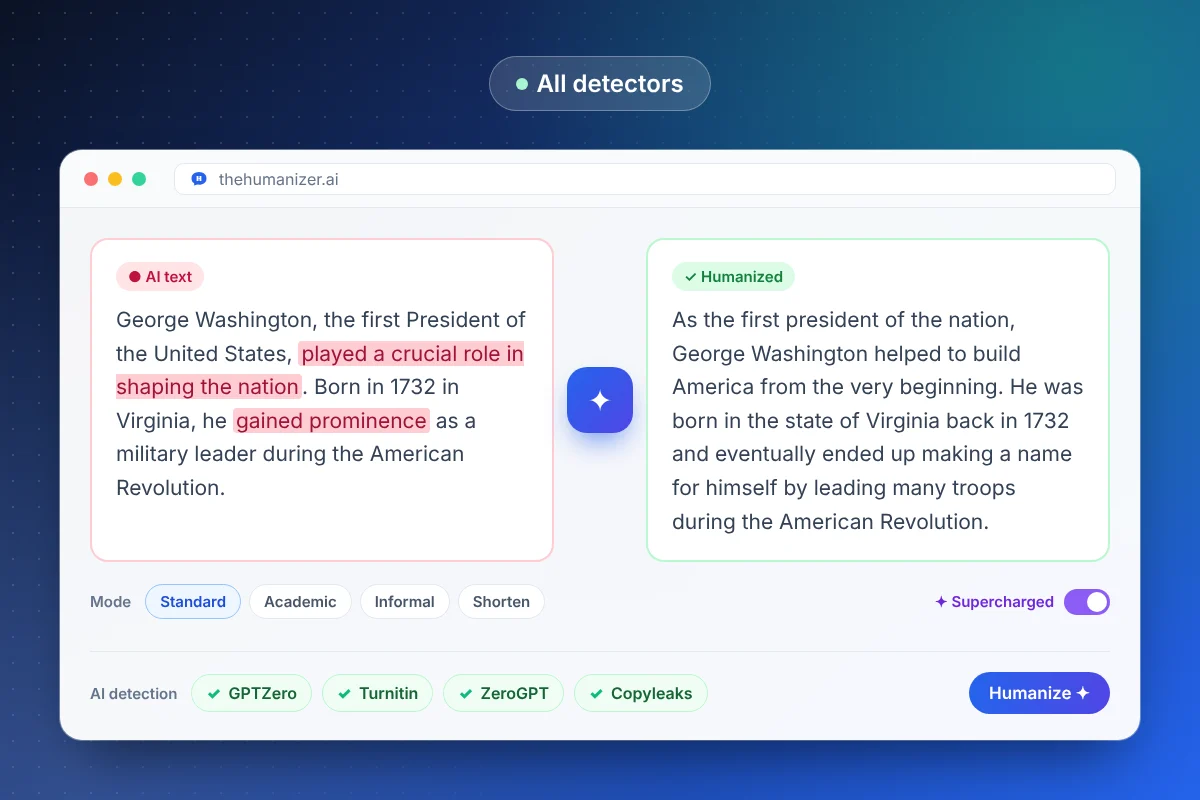
What do AI detectors actually measure?
Most detectors combine some version of these four signals:
- Perplexity — how surprising each word is to a language model. AI picks likely words, so its perplexity is low.
- Burstiness — how much sentence length and structure vary. Humans write in bursts; AI writes in an even cadence.
- Classifier features — patterns a model learned from millions of labeled AI and human samples, such as repeated paragraph shapes and formulaic openings.
- Vocabulary — words that language models overuse, like "delve", "pivotal", and "multifaceted".
None of these prove anything about who wrote a text — they're probabilities. That's why detectors produce false positives, and why changing the patterns changes the score. Our explainer on how AI detectors work goes deeper.
Detector-by-detector guide
Each detector has its own audience and quirks. Pick the one you're facing for a dedicated guide:
| Detector | Commonly used by | What to know | Guide |
|---|---|---|---|
| GPTZero | Teachers, schools, journalists | Scores perplexity and burstiness; highlights sentences | Bypass GPTZero |
| Turnitin | Universities and high schools | AI score is visible to instructors only | Bypass Turnitin |
| ZeroGPT | Students, bloggers, marketers | Strict percentage score; flags formal writing | Bypass ZeroGPT |
| Copyleaks | Schools, enterprises, LMS integrations | Sentence-level highlighting, multilingual | Bypass Copyleaks |
| Originality.ai | Publishers, SEO agencies, content buyers | Built for web content; strict by design | Bypass Originality.ai |
| Quillbot | Students and writers | Free checker bundled with the paraphraser | Bypass Quillbot |
| Writer | Marketing and content teams | Quick free check for short passages | Bypass Writer |
| Winston AI | Educators and publishers | "Human score" plus image and OCR scanning | Bypass Winston AI |
| Grammarly | Students and professionals | AI detector plus Authorship tracking | Bypass Grammarly |
Not sure which one a school or client uses? Turnitin is the default at most universities; Originality.ai is the most common in paid content work.
Four ways people try to bypass AI detection — and which works
1. Prompting the AI to "write like a human." Helps a little. Prompts can loosen tone, but the model still picks probable words, so perplexity stays low. Our guide to making ChatGPT undetectable includes the prompts that help most.
2. Editing by hand. Works if you do it thoroughly — varying sentence length, cutting stock phrases, adding specifics. It's also slow. The techniques are listed in how to humanize AI text manually.
3. Paraphrasing tools. Fast, but shallow. Synonym swaps leave the structure (and burstiness) intact, so detectors often still flag the result. See The Humanizer vs Quillbot.
4. An AI humanizer. Rewrites at the sentence-structure level — the level detectors measure — in seconds. This is what The Humanizer does, and it's the most reliable option when you need consistent results across detectors.
Why AI detectors disagree with each other
Run the same paragraph through five detectors and you can get five different answers. Each is trained on different data, uses different thresholds, and weighs signals differently. Formal, technical, or non-native writing is especially likely to be flagged by one detector and cleared by another.
That has two practical consequences. First, a single "AI" result is weak evidence — read why AI detectors have false positives and is GPTZero accurate? if you've been flagged unfairly. Second, test against the detector that will actually judge your work, rather than chasing a perfect score everywhere.
How to check your text before you submit
Build a quick final check into your workflow:
- The built-in detector panel in The Humanizer shows results right after each run
- Our free AI detector highlights the sentences that look most machine-written
- The AI word checker flags overused AI vocabulary you can cut or replace
- The readability checker confirms the grade level still fits your audience
If anything still looks borderline, humanize that passage again. A second pass usually moves it firmly into the human range.
Is it OK to bypass AI detection?
It depends on where the text is going. Marketers, bloggers, and businesses humanize AI drafts so content reads naturally and isn't judged on a detector score. Many people use a humanizer because detectors wrongly flagged writing they did themselves — a common problem for non-native English writers.
For graded academic work, the rules are set by your school, and they vary. Read your institution's AI policy before using any AI tool on an assignment. The Humanizer changes how text reads; it doesn't change the rules you're writing under.