The research: detectors are biased against non-native writers
In 2023, researchers at Stanford (Liang et al., "GPT detectors are biased against non-native English writers") tested popular AI detectors on essays written by people for whom English is a second language. The detectors misclassified over half of the TOEFL essays written by non-native speakers as AI-generated — even though every one was written by a human.
Why? Detectors measure perplexity — how predictable your word choices are. When you write in a second language, you naturally use the words you know best and the sentence structures you're most confident with. That makes your writing more predictable, which detectors mistake for AI. The researchers also found that enriching the vocabulary of the same essays sharply reduced the false flags. Read more in why AI detectors have false positives.
How The Humanizer helps ESL writers
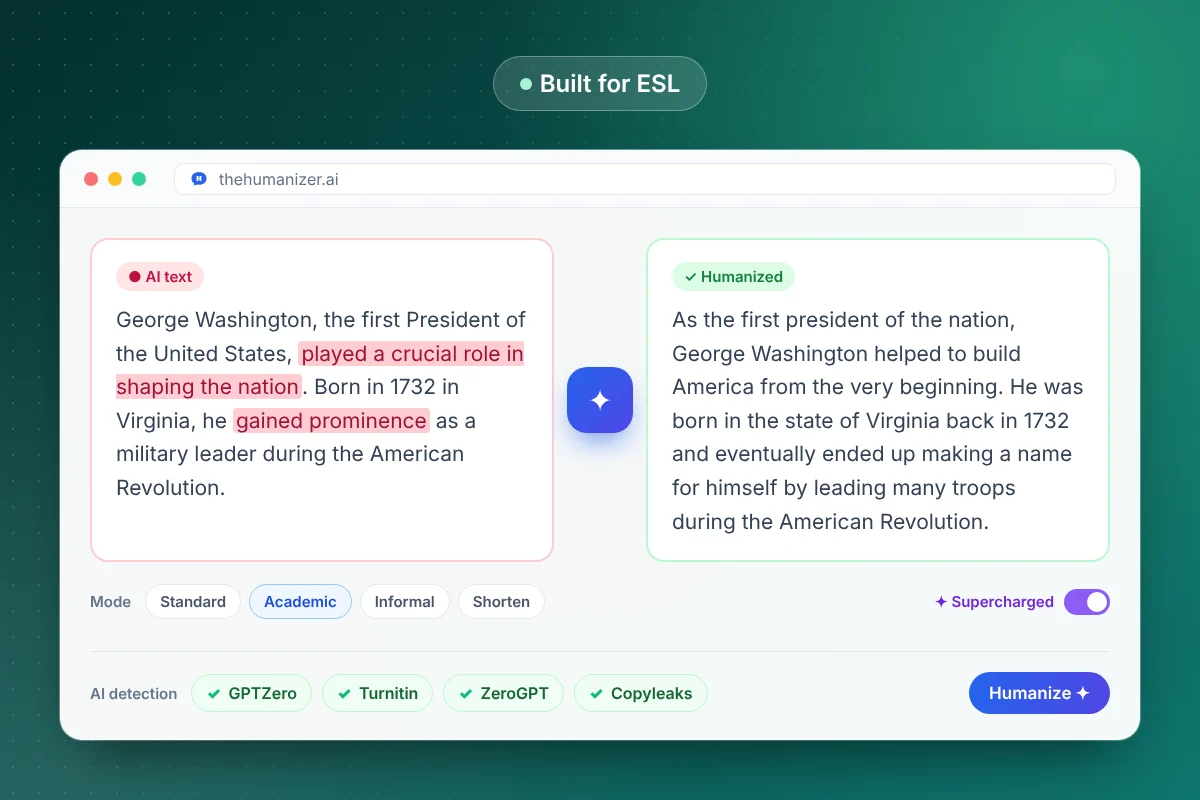
The Humanizer rewrites your text so it reads more like fluent, natural English:
- More varied sentence structure — mixing short and long sentences
- More precise, natural word choices instead of the most common option every time
- Smoother transitions between ideas
- Your meaning, arguments, and facts unchanged
Use Standard mode for everyday writing and emails, and Academic mode for essays and reports. Think of it as a fluency editor: you bring the ideas, it helps them read the way you intended. You can preview how your writing scores first with our free AI detector.
Writing in another language? It works there too
The Humanizer isn't only for English. It supports Spanish, French, German, Russian, Japanese, Hindi and more, and the output stays in the language you paste in. That's useful if you write for international audiences, study abroad, or translate AI drafts into your own language and want them to sound natural to native readers.
What to do if you've been falsely flagged
If a detector has already flagged work you wrote yourself:
- Stay calm and gather evidence. Version history in Google Docs or Word, earlier drafts, notes, and sources all show your process.
- Explain the research. Point your instructor or editor to the documented bias against non-native writers.
- Offer to discuss your work. Talking through your argument is strong evidence that the ideas are yours.
- Check future work before submitting with our AI detector and readability checker.
Our full guide on what to do if you're falsely accused of using AI walks through each step.
Using it responsibly
Polishing your own writing for fluency is similar to working with a human editor or a grammar tool, and many institutions are comfortable with that. Some courses have specific rules about AI-powered editing, though, so check your syllabus or ask your instructor if you're unsure. If you're a student, our guide for students covers responsible use in more detail.