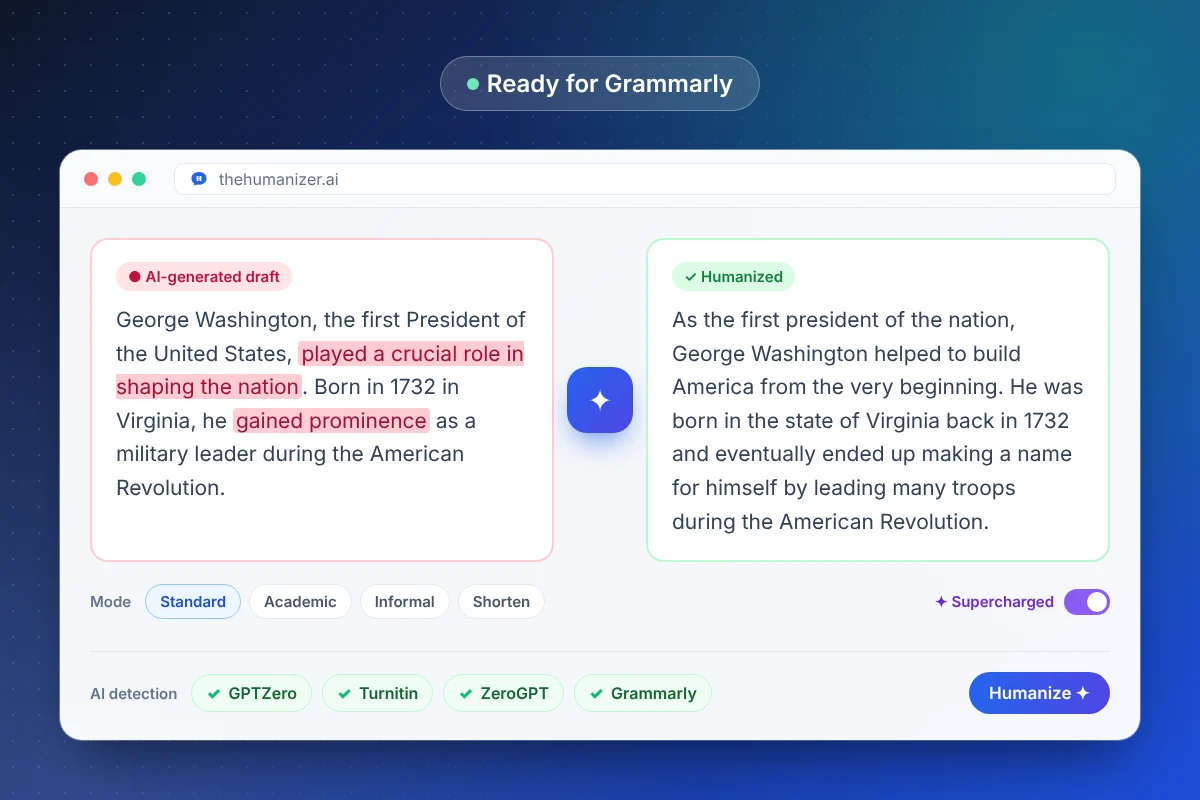
Grammarly's AI detector vs Grammarly Authorship
They sound similar but work very differently:
| Feature | What it checks | Does humanizing help? |
|---|---|---|
| AI detector | Statistical patterns in the finished text | Yes — these are the patterns The Humanizer rewrites |
| Authorship | How text entered a document (typed, pasted, AI-generated) while you worked | No — it's a record of your writing process, not a text score |
The AI detector works like GPTZero or Turnitin: it reads the text and estimates how likely each part is to be machine-written. Authorship, when it's switched on in a Grammarly-enabled document, logs activity as you write so you can share a report showing which parts were typed, pasted from elsewhere, or produced with AI.
How to humanize text for Grammarly's AI detector
Grammarly's detector looks for the same signals as other detectors — predictable word choice, uniform sentences, formulaic structure. To get a human result:
- Paste your AI draft into The Humanizer and choose a mode (Standard or Academic suit most documents).
- Click Humanize. Use Supercharged mode for anything over 400 words.
- Review the output and add a detail or example only you would include.
- Run it through Grammarly's AI check — or our free AI detector — and re-humanize any passage that still looks borderline.
In our testing, humanized text reads as far more human than raw AI output, though results vary by text.
What Grammarly Authorship means for students
Some instructors ask students to write inside a Grammarly-enabled document and submit an Authorship report. If that's a requirement in your course, the report reflects how you actually produced the document — pasting text in will show as pasted, whatever that text says. No humanizer changes that record, and you shouldn't try to disguise it.
The honest approach is to follow the course rules: if your instructor wants to see your drafting process, use AI only in the ways the course allows (often brainstorming or feedback), and do the writing in the document yourself. Check your syllabus or ask — policies vary widely between courses. Our guide for students covers responsible use in more detail.
Using Grammarly and The Humanizer together
They do different jobs. Grammarly is excellent for spelling, grammar, and clarity. The Humanizer changes the patterns that make text read as AI-written.
One thing to watch: polishing suggestions from any editing tool, including Grammarly's generative rewrites, can nudge text back toward smooth, predictable phrasing. If you accept a lot of rewrite suggestions after humanizing, run a final check. A simple order works well: fix grammar first, humanize second, and only make small manual edits afterwards. More on why rewording tools and humanizers behave differently in our humanizer vs paraphraser guide.
Why Grammarly might flag your own writing
Every AI detector produces false positives, and Grammarly's is no exception. Clean, formal prose — the kind Grammarly itself encourages — can look statistically similar to AI output. Writers working in their second language are flagged more often too, a problem documented in academic research and covered in our guide for ESL writers.
If you've been flagged for work you wrote, read why AI detectors have false positives and keep your drafts and version history — they're your strongest evidence.