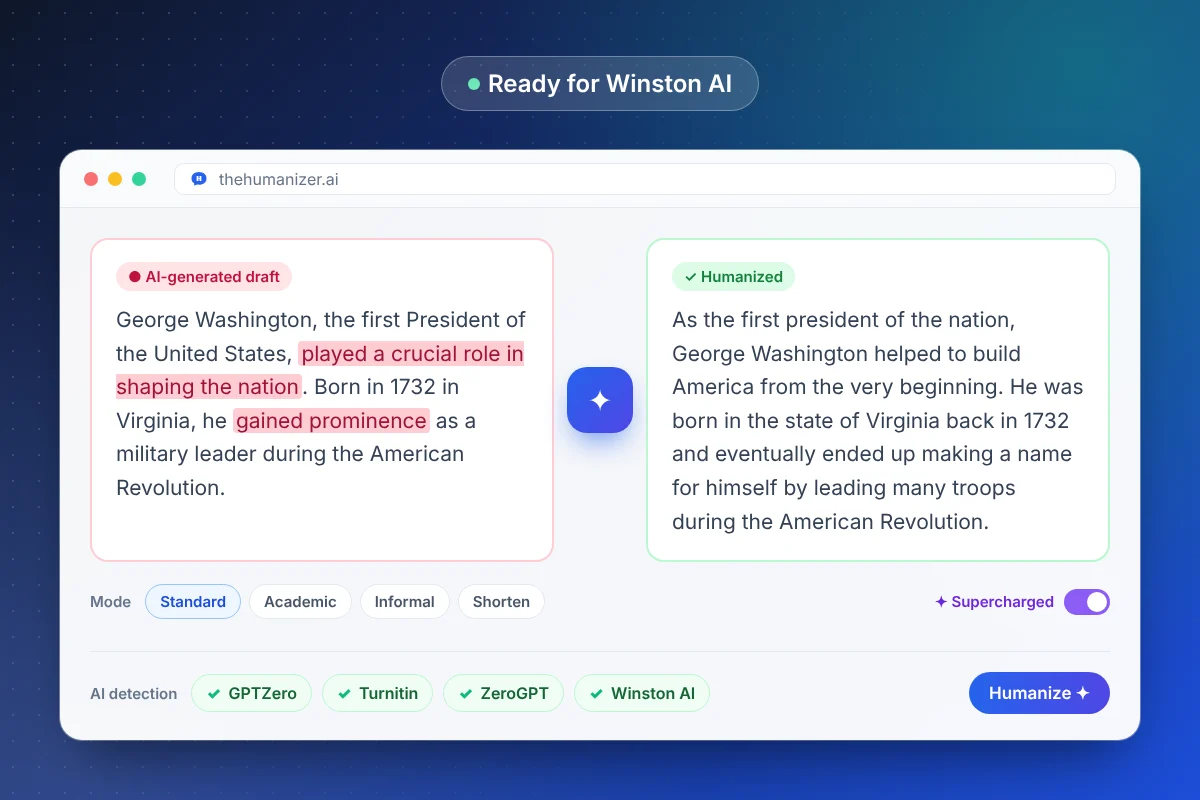
What is Winston AI?
Winston AI is a commercial AI-content detector. You paste text or upload a document, and it returns a human score along with highlights showing which parts it considers most likely to be machine-generated. It also includes a plagiarism checker and can scan images and handwritten pages using OCR (optical character recognition).
It's popular with teachers and schools, with publishers checking freelance submissions, and with agencies that want a second opinion alongside tools like Originality.ai.
Why does Winston AI flag my writing?
Like most detectors, Winston AI looks for predictability: words a language model would expect, evenly sized sentences, and repetitive paragraph structure. Raw ChatGPT, Claude, or Gemini output has all three.
Human writing can trip it too. Formal, technical, or carefully templated writing — and writing by people working in their second language — often has the same regularity. If you wrote something yourself and it was flagged, you're not alone: read why AI detectors have false positives, and see our guide for ESL and non-native writers.
How The Humanizer approaches Winston AI
The Humanizer doesn't try to trick a specific detector with hidden characters or odd spacing — those tricks are easy to catch and often make text worse. Instead it changes the writing itself:
- Sentence rhythm varies naturally between short and long
- Word choice moves away from the most predictable option
- Paragraph structure stops following the same template every time
- Meaning, facts, and key terms stay exactly as they were
In our testing, humanized text tends to score much more human on Winston AI than raw AI output, but results vary by text. That's why the workflow below includes a check-and-repeat step. For long documents, Supercharged mode (Pro and Ultimate) keeps the voice consistent across sections.
Does Winston AI's OCR scanning change anything?
Not really. When you upload an image, screenshot, or scanned handwritten page, Winston AI first converts it to text with OCR and then runs its normal analysis. The detector still judges the words and patterns — so humanized text behaves the same whether it's pasted directly or extracted from an image.
Best practices for passing Winston AI
- Humanize in chunks of up to 400 words, or turn on Supercharged mode for longer pieces.
- Cut AI vocabulary you add back in while editing — our AI word checker flags it.
- Add a concrete detail — a real example, number, or opinion — to each section.
- Pre-check your draft with our free AI detector and re-humanize the passages it highlights.
- Keep a draft history of your own edits; it's useful if a score is ever questioned.
Facing more than one detector? Our guide to bypassing AI detection compares how Winston AI, GPTZero, Turnitin, and others work.