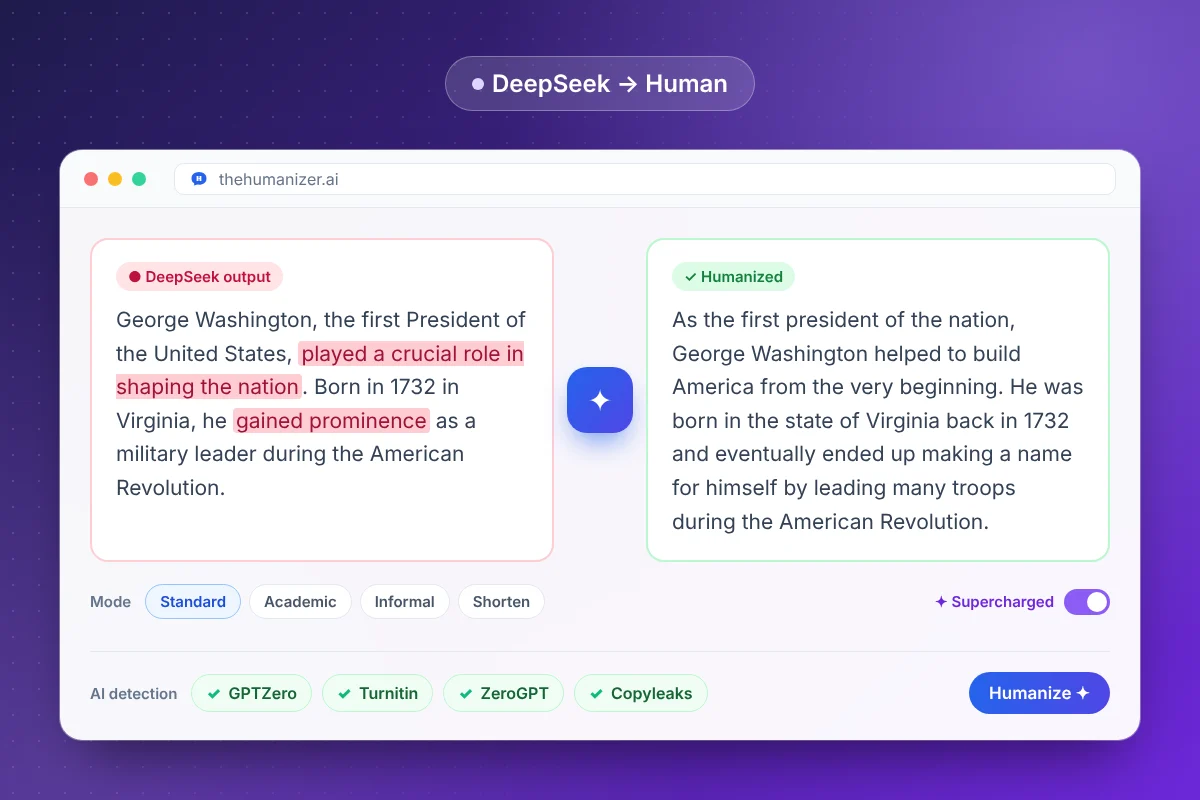
What DeepSeek's writing style looks like
If you've used DeepSeek for anything longer than a paragraph, you'll recognize these habits:
- Headers and bullet points everywhere, even when a few sentences would do
- Bolded labels at the start of list items ("Key benefit: …")
- Even, mid-length sentences with very little variation
- Summary sentences that restate what was just said ("In summary…", "Overall…")
- A careful, formal, slightly hedged tone across every topic
That structure is great for skimming answers. It's not how people write essays, emails, or blog posts — and the uniformity is exactly what detectors score as AI.
Can AI detectors detect DeepSeek?
Yes. Detectors don't need to have seen a specific model to flag its output, because the statistical patterns they measure — low perplexity and low burstiness — are shared across large language models. Text from DeepSeek, ChatGPT, Claude, and Gemini all tends to be predictable in the same ways.
That also means the fix is the same: change the patterns, not just the words. Our plain-English explainer on how AI detectors work covers the details, and our guide to bypassing AI detection compares the major detectors.
How to humanize DeepSeek output: the workflow
- Decide on the format first. If you need prose, merge DeepSeek's bullet lists into sentences before humanizing — or let The Humanizer do it as part of the rewrite.
- Remove the extras you don't need: section headers, bold labels, and closing summaries.
- Humanize in chunks of up to 400 words, or use Supercharged mode (Pro and Ultimate) for longer pieces.
- Pick the right mode — Academic for research and coursework, Standard for articles and emails, Informal for social posts.
- Check the result with the built-in detector panel or our free AI detector, and re-humanize anything borderline.
Tips for technical and research content
DeepSeek is often used for technical subjects, so a few extra precautions help:
- Leave code, formulas, and data tables out of the text you humanize, and add them back afterwards
- Check numbers, units, and named methods after rewriting — The Humanizer preserves key terms, but a quick check is good practice
- Use Academic mode for reports and literature summaries to keep the register formal
- Keep citations separate and verify them against the original sources — AI models can produce references that look real but aren't
For essays specifically, see our AI essay humanizer guide.
Works with every major AI model
Most people use more than one model. The Humanizer works the same way whichever one wrote your draft, with dedicated guides for ChatGPT, Claude, and Gemini. Each model has its own tells — ChatGPT's stock transitions, Claude's careful hedging, Gemini's tidy structure — and the humanizer is built to smooth out all of them.