What can you do with 350 free words?
More than you'd think, if you spend them on the parts of your text that matter most. Each humanization needs at least 50 words, so 350 words a month covers things like:
- A discussion-board post or short reply (150–300 words)
- The introduction and conclusion of an essay — the two sections AI writes most predictably
- A product description, cover-letter paragraph, email, or LinkedIn post
- A real test of two or three paragraphs from a longer draft before you commit to a plan
Not sure which paragraphs are the problem? Run your draft through our free AI detector first, then humanize only the sections it highlights. Our AI word checker also shows which phrases ("delve", "moreover", "in today's world") make text sound machine-written.
Why our free plan runs on the full model
Some humanizers run free users through a cheaper model. The free output scores worse, so you either assume the tool doesn't work or upgrade blind.
We think the free plan should answer one question honestly: does this tool work on my text? That's only possible if the free output is the real output. So free and paid users get the same rewriting engine. What paid plans add is volume (15,000 to 150,000 words a month), longer texts per run, and Supercharged mode for long-form writing.
If you're comparing tools, our guide to the best AI humanizers explains what to test before you pay for any of them.
How the free AI humanizer works
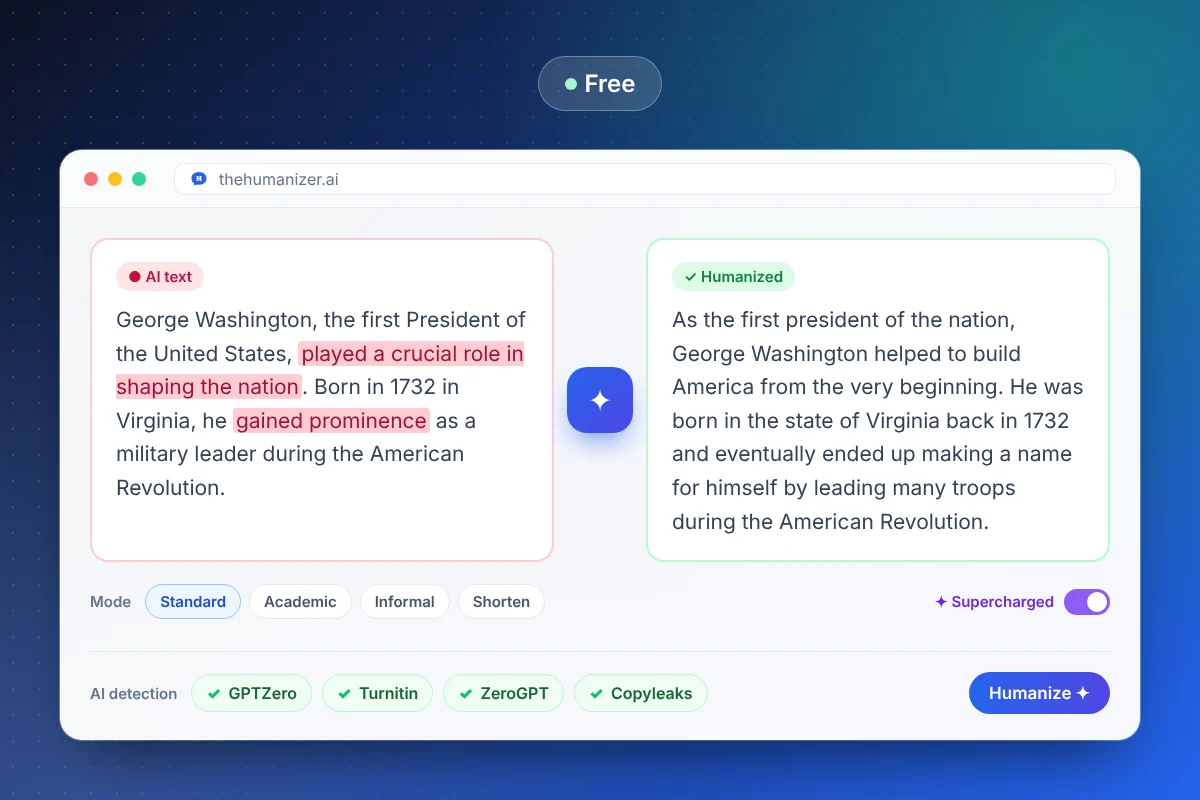
The Humanizer doesn't just swap synonyms. AI detectors flag text because of patterns — predictable word choices, evenly sized sentences, the same paragraph shape repeated. Our model rewrites at the sentence level to change those patterns:
- Sentence rhythm — mixes short and long sentences the way people naturally write.
- Word choice — replaces the most statistically likely word with natural alternatives.
- Structure — reorders clauses and varies how paragraphs open and close.
Your meaning, facts, and key terms stay put. Pick a mode — Standard, Academic, Informal, or Shorten — and the built-in panel checks the result against major detectors. Want the technical background? Read how AI detectors work.
Free vs paid: when should you upgrade?
The free plan is built for trying the tool and for light, occasional use. Here's how it compares:
| Plan | Price | Words per month | Per run | Supercharged |
|---|---|---|---|---|
| Free | $0 | 350 | Up to 400 words | — |
| Basic | $8.99/mo (yearly) | 15,000 | 400 words | — |
| Pro | $19.99/mo (yearly) | 50,000 | Unlimited | Yes |
| Ultimate | $39.99/mo (yearly) | 150,000 | Unlimited | Yes |
Upgrade when you're humanizing full essays, weekly blog posts, or client work. A single 1,500-word article uses more than four months of free words, while Basic covers about ten of them every month. Long essays and reports are where Pro's Supercharged mode earns its keep. See all plans and pricing — you can cancel anytime.
Is a free AI humanizer safe to use?
With The Humanizer, yes. You sign in with your Google account — no card, no billing details. We follow strict privacy rules, your text isn't published anywhere, and each output is freshly written phrasing rather than copied from another source, so it doesn't trigger plagiarism checkers.
One thing worth saying plainly: if you're a student, know your school's AI policy. Plenty of courses allow AI for brainstorming or editing but not for writing graded work. Our guide for students covers how to use a humanizer responsibly.