What makes AI text detectable?
Three things, mostly:
- Low perplexity — every word is the one a language model would most expect next.
- Low burstiness — sentences are similar in length and structure, paragraph after paragraph.
- AI vocabulary — words and phrases that models overuse ("delve into", "it's important to note", "a testament to").
Human writing is messier. We write a long sentence, then a short one. We pick an odd word because it sounds right. That variation is what detectors treat as a human signal. Check your own draft for AI-flavored phrases with our AI word checker, or read the full breakdown of how AI detectors work.
Why manual editing and paraphrasing usually aren't enough
You can humanize text by hand — our guide to humanizing AI text manually lists the techniques that work. But it's slow: properly reworking a 1,000-word draft can take as long as writing it from scratch.
Paraphrasing tools are fast but shallow. They swap synonyms while leaving sentence structure — and therefore burstiness — mostly intact, so detectors keep flagging the result. That's the core difference between a paraphraser and a humanizer, explained in our humanizer vs paraphraser guide.
How The Humanizer makes AI text undetectable
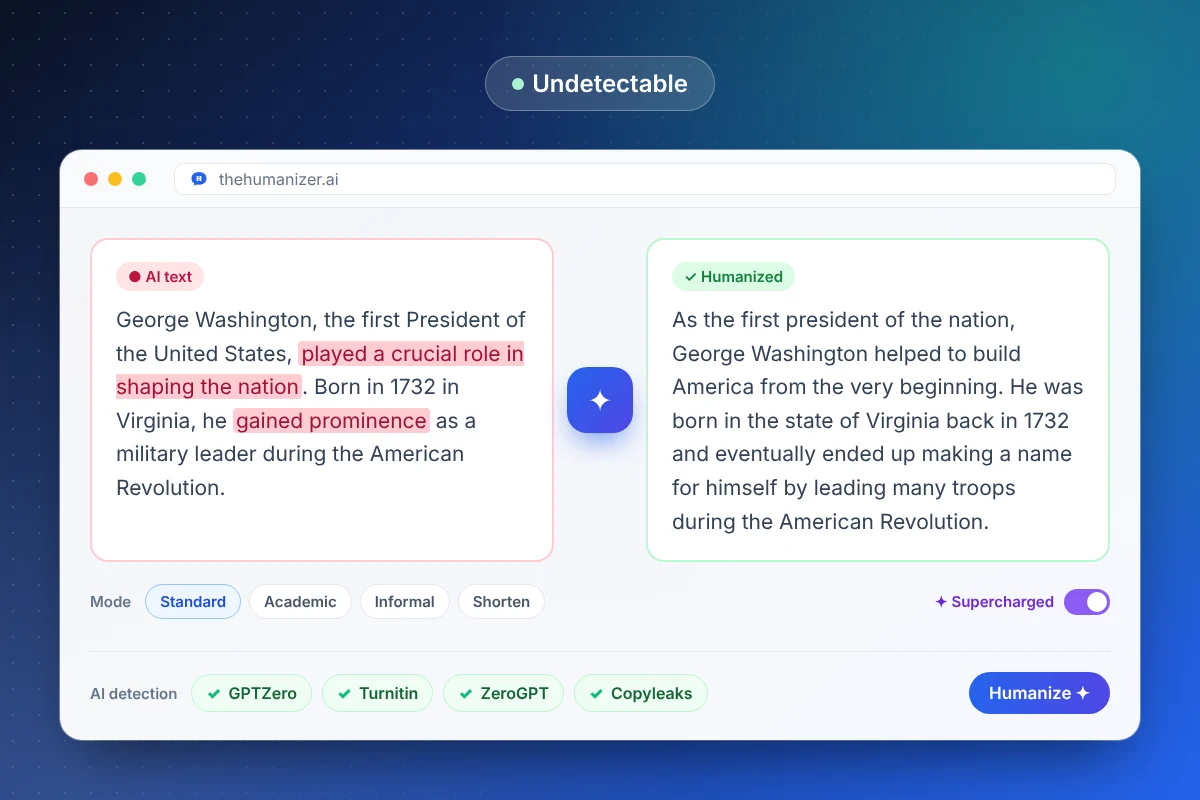
The Humanizer rewrites at the level detectors actually measure:
- Varies sentence length and structure so rhythm looks human
- Replaces predictable word choices with natural, less expected phrasing
- Breaks formulaic paragraph patterns like "topic sentence + three points + summary"
- Removes stock AI transitions without making the text choppy
- Keeps your meaning, facts, and key terms exactly where they belong
For anything longer than 400 words, Supercharged mode (Pro and Ultimate) processes more context per pass, which keeps long documents consistent. After each run, the built-in panel checks the output against major detectors.
Which AI detectors does it work against?
The Humanizer is designed to pass the detectors people actually run into. Each has its own guide:
- GPTZero — common in schools and newsrooms
- Turnitin — the default at most universities
- ZeroGPT — a popular free percentage checker
- Copyleaks — used in schools and enterprises
- Originality.ai — the standard for publishers and SEO agencies
- Quillbot's AI detector and Writer
For the full picture of how each detector works, see our guide to bypassing AI detection.
Tips for the most undetectable result
A few habits make a big difference:
- Humanize in chunks of up to 400 words — or use Supercharged mode for longer texts.
- Add something only you would write — a personal example, a specific number, an opinion.
- Don't re-add AI phrasing when you edit afterwards (watch for "moreover" creeping back).
- Re-humanize borderline passages — a second pass usually pushes them firmly into the human range.
- Test against the detector you'll actually face — they don't all agree with each other.
Our step-by-step guide on making ChatGPT text undetectable covers each of these in more depth.
Use it responsibly
Most people use The Humanizer to clean up AI-assisted drafts for blogs, marketing, email, and their own writing — or because a detector wrongly flagged work they wrote themselves. If you're submitting work to a school or publication, know its rules on AI assistance. The tool changes how text reads; it can't change the policy you're writing under.