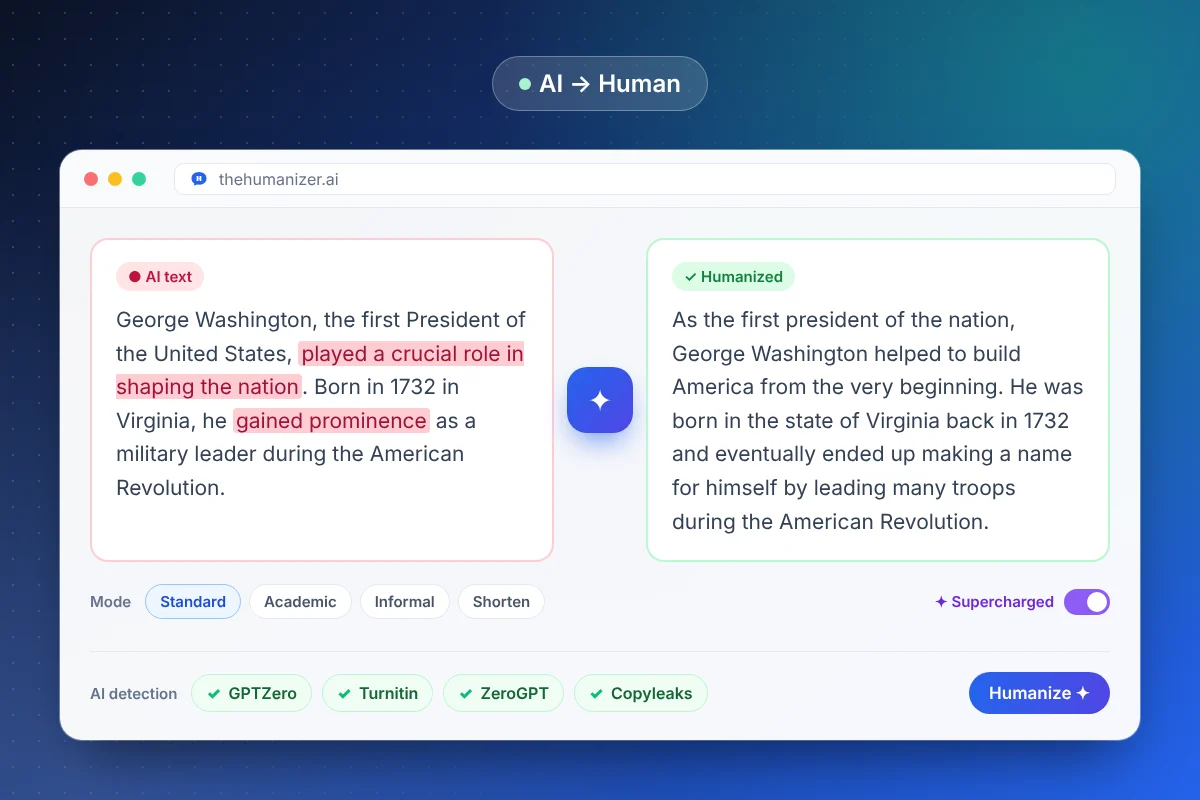
What actually changes when you convert AI text to human?
The conversion targets the habits that give AI writing away. Here's a side-by-side of the traits that change:
| Trait | Typical AI text | After The Humanizer |
|---|---|---|
| Sentence length | Uniform, mostly medium-length | A natural mix of short and long |
| Word choice | The most predictable word, every time | Varied, less predictable phrasing |
| Transitions | "Furthermore", "Moreover", "In conclusion" | Varied or implied transitions |
| Paragraph shape | Topic sentence + three points, repeated | Paragraphs that open and close differently |
| Tone | Even, polished, heavily hedged | Direct, with a recognizable voice |
These are exactly the features detectors score. GPTZero, for example, measures perplexity (how predictable words are) and burstiness (how much sentences vary) — here's how that works.
What stays exactly the same
A converter is only useful if you can trust the output. The Humanizer is built to preserve:
- Meaning and argument — the point of every paragraph stays intact
- Facts, numbers, names, and dates
- Key terms — technical vocabulary and SEO keywords stay in place
- Overall length — unless you pick Shorten mode on purpose
Still, give the result a quick read before you publish or submit, especially for figures and quotes. That habit takes a minute and catches anything you'd phrase differently yourself.
Why does AI text get detected in the first place?
Large language models generate text by predicting the most likely next word. Do that thousands of times and you get prose that is smooth, correct — and statistically flat. Detectors are trained to recognize that flatness.
They also notice vocabulary. Certain words show up far more often in AI output than in human writing ("delve", "crucial", "landscape", "seamless"). Paste your draft into our AI word checker to see which ones you're using, or read our plain-English explainer on how AI detectors work.
AI to human converter vs paraphrasing tool
A paraphraser swaps words for synonyms and lightly reorders clauses. The underlying rhythm — the thing detectors measure — barely moves, which is why paraphrased AI text often still gets flagged.
A converter like The Humanizer rewrites at the sentence level: it changes how sentences are built, not just which words fill them. If you've been using Quillbot and still getting flagged, our Humanizer vs Quillbot comparison and humanizer vs paraphraser guide explain the difference in detail.
Which writing mode should you choose?
The Humanizer has four modes, so the converted text fits where it's going:
- Standard — the best default for blog posts, emails, and general writing
- Academic — keeps a formal register for essays, reports, and research summaries
- Informal — relaxed and conversational for social posts and newsletters
- Shorten — humanizes and tightens at the same time
For anything over 400 words, turn on Supercharged mode (Pro and Ultimate plans). It processes more context per pass, so long documents keep a consistent voice from start to finish. Writing from a specific model? See our guides for ChatGPT text, Claude text, and Gemini text.