ChatGPT Prompts That Make AI Writing Sound Human (Copy & Paste)
12 copy-and-paste ChatGPT prompts that make AI writing sound more natural, why prompts alone rarely beat AI detectors, and the workflow that does.
Key takeaways
- Good prompts make ChatGPT sound more natural by giving it your voice, banned phrases, a target rhythm and real details to work with.
- Prompts change surface style, but models drift back to their statistical defaults, so prompted text is still often flagged by AI detectors.
- Asking ChatGPT to interview you first is the single most effective prompt, because it forces specific, personal content into the draft.
- The reliable workflow is prompt well, humanize the draft, then read it through and add your own details.
In this guide
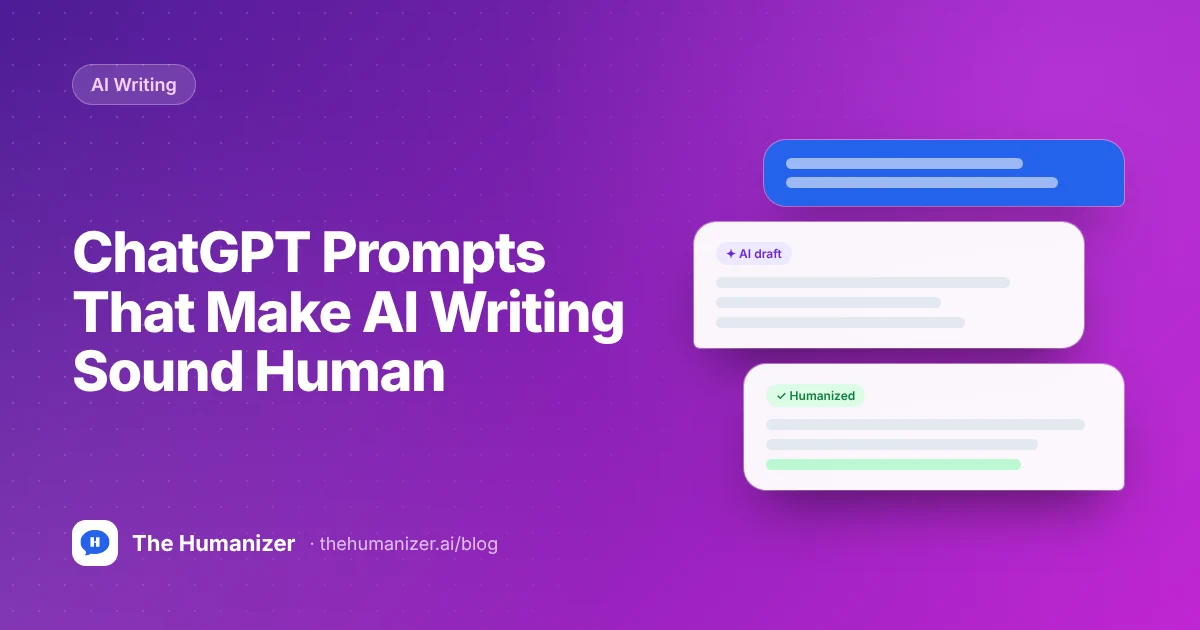
The best ChatGPT prompts for human-sounding writing give the model three things it doesn't have by default: a sample of your voice, a list of phrases to avoid, and real details from your own experience. That makes the output noticeably more natural. It rarely makes it undetectable on its own, because models drift back to their statistically predictable defaults, so pair good prompts with a humanizer and a final read-through.
Below are 12 prompts you can copy and paste. Replace anything in [square brackets] with your own details.
Why does ChatGPT sound like ChatGPT?
By default, ChatGPT writes the most broadly acceptable version of whatever you ask for: balanced, polite, evenly paced, a little formal. It reaches for the same transitions and the same safe vocabulary because those are the statistically likely choices.
Prompting can steer that. The prompts below each attack one habit.
12 copy-and-paste prompts for more human writing
1. The voice-match prompt
Use this when you want the output to sound like you specifically.
Here are three paragraphs I wrote myself: [paste your writing]. Study the sentence length, word choice, punctuation habits and tone. Then write [what you need] in the same voice. Don't copy my content, copy my style.
2. The banned-phrases prompt
Write [what you need]. Do not use any of these words or phrases: delve, crucial, pivotal, tapestry, testament, landscape, realm, navigate, seamless, robust, leverage, "it's important to note", "in today's world", "in conclusion", "furthermore", "moreover". Don't end paragraphs with a summary sentence.
Want the full list? Paste any draft into our free AI word checker to see which flagged words it uses.
3. The rhythm prompt
Rewrite this so the sentence lengths vary a lot: some very short (three to five words), some long and winding, most in between. Avoid starting consecutive sentences the same way. Text: [paste text]
4. The interview-first prompt
This is the most useful prompt on the list.
I need to write [what you need]. Before you write anything, ask me 5 specific questions about my own experience, opinions and examples related to this topic. Wait for my answers, then write the draft using my answers as the core material.
5. The plain-English prompt
Rewrite this in plain English, the way a smart friend would explain it over coffee. Use contractions. Use simple words instead of formal ones. Keep every fact. Text: [paste text]
6. The opinion prompt
Write [what you need] from a clear point of view: I think [your opinion]. Don't present "both sides" equally. Acknowledge one counterargument briefly, then explain why I still disagree.
7. The specificity prompt
Rewrite this draft so every general claim is replaced with a concrete example, number, name or scenario. If you don't know a real specific, insert [ADD EXAMPLE] so I can fill it in myself rather than inventing one. Text: [paste text]
That last instruction matters. It stops the model from making up facts.
8. The anti-list prompt
Rewrite this as flowing paragraphs, not bullet points. Where there are lists of three, change them to two or four items, or work them into a sentence. Text: [paste text]
9. The email prompt
Write a short email to [recipient] about [topic]. Sound like a busy, friendly professional: get to the point in the first sentence, no "I hope this email finds you well", no "please don't hesitate to reach out", under 120 words.
10. The blog intro prompt
Write a 3-sentence intro for a blog post about [topic]. Start with a specific moment, problem or surprising detail, not a definition or a statement about how important the topic is. No rhetorical "Have you ever wondered" questions.
11. The self-critique prompt
Review the text below like a strict editor looking for signs it was written by AI. List every stock phrase, overly even rhythm, empty transition, generic claim and unnecessary summary. Then rewrite it fixing all of them. Text: [paste text]
12. The reading-level prompt
Rewrite this for a reader at about an 8th-grade reading level. Shorter words, shorter sentences on average, but keep some variety. Don't talk down to the reader. Text: [paste text]
You can verify the result with the free readability checker.
Prompting mistakes that make AI sound more robotic
Some popular prompt tricks backfire. Avoid these:
- "Write like a human." Too vague to change anything. The model already thinks it writes like a human. Tell it what human means for this piece: shorter sentences, contractions, a specific opinion, no stock transitions.
- "Use perplexity and burstiness." The model may sprinkle in odd words and random short sentences, which reads as strange rather than natural.
- Asking for typos or mistakes. Deliberate errors make the text worse for readers and can make it look careless.
- Stacking 20 instructions in one prompt. Long rule lists get followed unevenly. Use two or three prompts in sequence instead: draft, then rhythm, then the self-critique pass.
- Generating everything in one go. A 2,000-word essay in a single response drifts back into AI rhythm by the middle. Ask for one section at a time.
- Letting the model invent your details. If you ask for "a personal story" without supplying one, you'll get a generic, made-up anecdote. Use the interview-first prompt instead.
One more practical tip: keep the prompts that work in a note and reuse them. Consistent instructions produce a more consistent voice across everything you write.
Do these prompts make ChatGPT text undetectable?
Usually not on their own. They make the writing sound better to a human reader, which is worth doing. But AI detectors don't read like humans do. They measure how statistically predictable the text is, sentence by sentence (see how AI detectors work).
A few reasons prompted text still gets flagged:
- Style instructions change the surface, not the engine. The model still picks high-probability words at each step. A banned-word list removes some tells, then the model reaches for the next most likely phrase.
- Long outputs drift. Instructions are followed closely at the start and loosely by paragraph six. The rhythm evens out again.
- Detectors train on prompted text too. Vendors know people ask ChatGPT to "sound human," and they include that kind of output in their training data.
| Approach | Sounds more natural | Reliably lowers AI scores | Effort |
|---|---|---|---|
| Default ChatGPT output | No | No | None |
| Good prompts only | Yes | Rarely on its own | Low |
| Manual editing | Yes | Often, if thorough | High |
| Prompts + AI humanizer + read-through | Yes | Designed to, in most cases | Low to medium |
The workflow that actually works
- Prompt well. Use the interview-first prompt (#4) and the voice-match prompt (#1). Better input means better output at every later step.
- Humanize the draft. Paste the result into The Humanizer. It rewrites structure, rhythm and word choice so the text is designed to pass detectors like GPTZero and Turnitin, while keeping your meaning. Use Supercharged mode for anything over 400 words.
- Re-humanize anything borderline. Running the output through a second time helps stubborn passages.
- Read it through. Fix facts, add one or two personal details, and make sure it says what you mean.
This takes a few minutes instead of the half hour a full manual rewrite takes (we cover manual techniques in how to humanize AI text manually). For a full walkthrough specific to ChatGPT, see how to make ChatGPT text undetectable or the ChatGPT humanizer page.
A note for students: prompts and humanizers are writing tools, not a substitute for doing the thinking. Know your school's AI policy, and only submit work you understand and can defend. Our AI humanizer for students page covers responsible use in more detail.
The bottom line
Good prompts make ChatGPT sound less like ChatGPT: give it your voice, ban its favorite phrases and make it ask you for real details. Just don't expect prompts to beat AI detectors on their own. Prompt well, humanize, then read it through.
Try The Humanizer free on your next ChatGPT draft. You get 350 words a month, no credit card required.
Frequently asked
Questions, answered
Written by
The Humanizer Team
Editorial