Can Turnitin Detect Claude and Gemini? What Turnitin Says
Turnitin's AI detector now lists models beyond ChatGPT, including Claude and Gemini. Here's what it covers, what it misses and how to read a flag on your work.
Key takeaways
- Turnitin can flag text from Claude and Gemini. Its documentation now lists models from Anthropic and Google alongside OpenAI's.
- In 2023, Turnitin's detector was trained on GPT-3 and GPT-3.5. The list has grown with each update.
- A model being on Turnitin's list means it trained on that model's output. Turnitin doesn't publish per-model detection rates.
- Editing, length, topic and mixing human and AI text affect results more than which model wrote the first draft.
- Follow your course's AI policy, keep version history and make any permitted AI-assisted work your own.
In this guide
- Which AI models does Turnitin say it can detect?
- Why can one detector catch text from different models?
- How has Turnitin's AI detection changed since 2023?
- Is Claude or Gemini harder for Turnitin to detect than ChatGPT?
- What if you only used Claude or Gemini to brainstorm?
- Does Turnitin detect AI text in other languages?
- What about DeepSeek, Llama, Copilot and other models?
- What does a Turnitin flag look like on Claude or Gemini text?
- How should you use Claude or Gemini for schoolwork?
- The bottom line
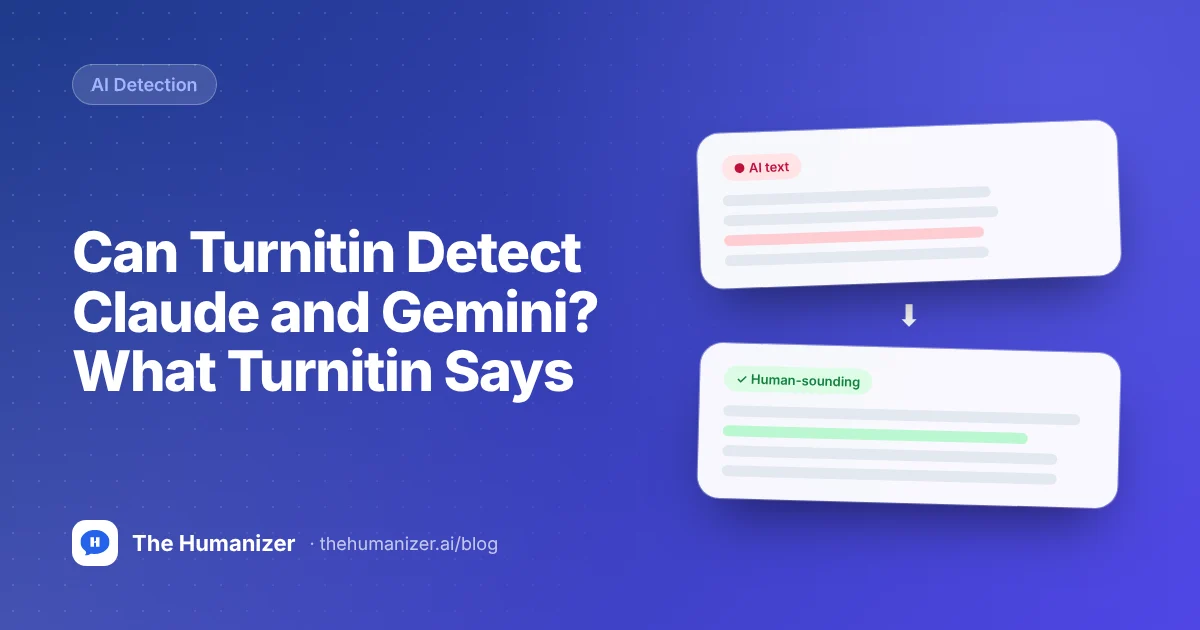
Yes, Turnitin can flag text from Claude and Gemini. Its AI writing detector is no longer limited to ChatGPT: Turnitin's documentation now lists models from Anthropic and Google alongside OpenAI's, and like other detectors, it looks for patterns that large language models tend to share. Coverage isn't perfect, and edited or mixed text is harder for any detector.
Here's what Turnitin says it covers, how that list has changed, and what it means if you use Claude or Gemini for schoolwork.
Which AI models does Turnitin say it can detect?
Turnitin's list has grown a lot since launch.
| When | What Turnitin said it covered |
|---|---|
| 2023 | GPT-3, GPT-3.5 and variants, including ChatGPT |
| Later updates | University guides citing Turnitin listed GPT-4, GPT-4o, Gemini and LLaMA |
| 2026 | Several Claude and Gemini versions alongside newer OpenAI models |
In 2023, Turnitin's FAQ said the first version of its detector had "been trained to detect models including GPT-3, GPT-3.5, and variants," and that it planned to add more. It has. Turnitin's current AI writing FAQ lists the models its English detector covers, and that list now includes several Claude and Gemini versions as well as OpenAI's newer models.
Its release notes show the same trend for other languages. An August 2026 update to its Arabic detector names Claude Opus and Sonnet versions, Gemini 2.5 Pro, Gemini 3 Flash, Gemini 3.1 Pro and DeepSeek R1. A May 2026 update to its Spanish detector names Gemini 2.5 Pro and Gemini 2.5 Flash.
Two cautions. First, the list changes as new models ship, so check Turnitin's FAQ for the current version rather than trusting any blog, including this one. Second, a model being on the list means Turnitin trained on its output. It isn't a published detection rate, and we couldn't find per-model accuracy figures from Turnitin.
For how this started with ChatGPT, see can Turnitin really detect ChatGPT.
Why can one detector catch text from different models?
Claude, Gemini and ChatGPT are built in broadly similar ways. They learn to predict the next word from huge amounts of text, then they're tuned to follow instructions and sound helpful. That shared recipe produces shared habits: predictable word choices, an even sentence rhythm, tidy paragraph structure and a polite, balanced tone.
Each model has its own quirks of tone and formatting, but those differences are small next to the gap between model writing and a person writing in their own voice. A detector trained on output from several models learns what they have in common, which also helps it with tools built on top of them.
That's also why switching models isn't a strategy. Moving from ChatGPT to Claude changes the flavor of a draft, not the fact that a model wrote it. We explain the underlying signals in how AI detectors work.
How has Turnitin's AI detection changed since 2023?
Model coverage is only part of the story. Turnitin has also added layers aimed at disguised AI text:
- July 2024: AI paraphrasing detection, for AI text reworded by paraphrasing tools.
- August 2025: AI bypasser detection, for AI text modified by humanizer tools, limited to English.
- October 2026: an English model update that, according to Turnitin's release notes, improves detection while reducing false positives. Earlier reports aren't rescored automatically.
So a Claude draft run through a word spinner isn't sitting in a blind spot. It's the case those features were built for. We cover the paraphrasing side in can Turnitin detect QuillBot.
Is Claude or Gemini harder for Turnitin to detect than ChatGPT?
There's no reliable public evidence either way. You'll find plenty of claims online, usually based on a handful of tests with one prompt, but nothing that settles it. What clearly matters more than the model's brand:
- How much the text was edited. Raw output is the easiest case for any detector, and simple rewording doesn't reliably help.
- Length. Turnitin needs at least 300 words of prose, and longer texts give it more signal.
- Topic and format. Generic essays on common topics look more like AI output than specific, personal ones.
- Mixing. Documents that blend human and AI writing are harder to score cleanly.
- When it was checked. Turnitin updates its detector over time, so the same text can score differently months apart.
What if you only used Claude or Gemini to brainstorm?
Then there's usually little for a detector to find. If the AI helped you pick a topic, test an argument or understand a reading, and every sentence in your essay is yours, Turnitin is scoring your writing, not the chatbot's. Two things still matter. Some courses require you to disclose any AI use, even for brainstorming, so check. And save the chat: a conversation where you asked Claude to poke holes in your thesis is good evidence that you did the thinking and the writing yourself.
Does Turnitin detect AI text in other languages?
Turnitin runs separate AI detectors for some languages. Its release notes describe models for Spanish, Japanese and Arabic alongside English, and the 2026 Arabic and Spanish updates named Gemini models, with Claude models named for Arabic. Turnitin says its Spanish and Japanese detectors don't include paraphrasing or bypasser detection. If you write in another language, ask your instructor whether AI detection applies to your submissions at all. For permitted drafts, The Humanizer works in English, Spanish, French, German, Russian, Japanese, Hindi and more.
What about DeepSeek, Llama, Copilot and other models?
University guides quoting Turnitin's FAQ have listed Meta's LLaMA, and Turnitin's release notes name DeepSeek R1 for its Arabic detector. Assistants built on top of major models tend to share those models' writing patterns, so text from tools like Microsoft Copilot or Grok isn't automatically safe from a flag. If you work with those tools, our pages on humanizing DeepSeek text, Copilot text and Grok text cover the specifics.
What does a Turnitin flag look like on Claude or Gemini text?
The same as any other flag. The AI writing report shows an overall percentage of qualifying prose that Turnitin believes is AI-generated and highlights the sentences behind it. The report doesn't identify a specific model. Scores from 1% to 19% show as an asterisk instead of a number. Since August 2026, the English report uses one set of highlights for likely AI text, including text that may have been paraphrased or run through a bypasser tool.
Students usually can't see the AI score at all; instructors and administrators can. Our explainer on the Turnitin AI score covers how to read it.
How should you use Claude or Gemini for schoolwork?
- Follow your course's AI policy. Some courses allow AI for brainstorming or feedback, some require disclosure, and some ban it. Our guide to academic AI policies explains the common rules.
- Use it for thinking, not just text. Asking Claude to challenge your thesis or Gemini to explain a concept leaves the writing your own.
- Keep your version history. If your work is ever questioned, drafts are your best evidence. See how to prove you didn't use AI.
- If AI drafting is allowed, make it yours. Add your own reasoning, examples and course details, and rewrite the parts that sound generic.
- Check before you submit. Our free AI detector gives a quick first pass based on writing patterns. It isn't Turnitin, so treat it as a guide.
- Disclose when required. If your instructor asks you to note AI use, say which tool you used and what for.
For permitted AI-assisted drafts, The Humanizer works on text from any model. It rewrites sentence rhythm, structure and word choice while keeping your meaning, facts, citations and paragraph count. See our pages on humanizing Claude text and humanizing Gemini text. It's designed to pass common detectors, including Turnitin, but results vary by text and Turnitin keeps updating. For long essays, the Pro plan's Supercharged mode handles longer texts in one pass.
The bottom line
Turnitin can detect text from Claude and Gemini. Its documentation now lists models from Anthropic and Google, not just OpenAI, and its detector reads patterns that large language models share. Editing, length and mixing affect results more than the model's brand.
If you're polishing an AI-assisted draft where your course allows it, try The Humanizer free with 350 words a month and no credit card.
Frequently asked
Questions, answered
Written by
The Humanizer Team
Editorial