What is Scribbr's AI detector?
Scribbr's AI Detector estimates how likely it is that a text was written by AI and reports the answer as a percentage from 0% to 100%. Scribbr says it detects text from popular tools like ChatGPT, Gemini, and Copilot. There's a free version with unlimited checks and no account required, capped at a set number of words per check, and a premium version that Scribbr describes as more accurate.
The report also sorts your text into categories: AI-generated, AI-generated and then AI-refined, human-written and AI-refined, and human-written. Those "AI-refined" labels matter. They mean Scribbr is also trying to catch drafts that went through a paraphrasing tool.
Scribbr is owned by Learneo, the same parent company as QuillBot. If you also need to clear QuillBot's checker, see our guide to QuillBot's AI detector.
Why does Scribbr flag text as AI?
Like most detectors, Scribbr's looks for predictability. Language models pick likely words and build sentences of similar length, so raw ChatGPT, Gemini, or Copilot output tends to score high. The two signals behind most of this are covered in our guide to perplexity and burstiness.
Human writing gets caught too. Scribbr notes that no AI detector is completely accurate, and that its tool works best on longer texts and can make mistakes. Formal essays, lab reports, and writing by people working in a second language are the usual false positives. If you wrote your text yourself and it still came back as AI, read why your writing gets flagged as AI and our guide for ESL writers.
Does paraphrasing get past Scribbr?
Usually not on its own. A paraphraser swaps words but keeps the rhythm and structure of the original, and rhythm and structure are what detectors measure. Scribbr's AI-refined categories exist to catch exactly that kind of edit.
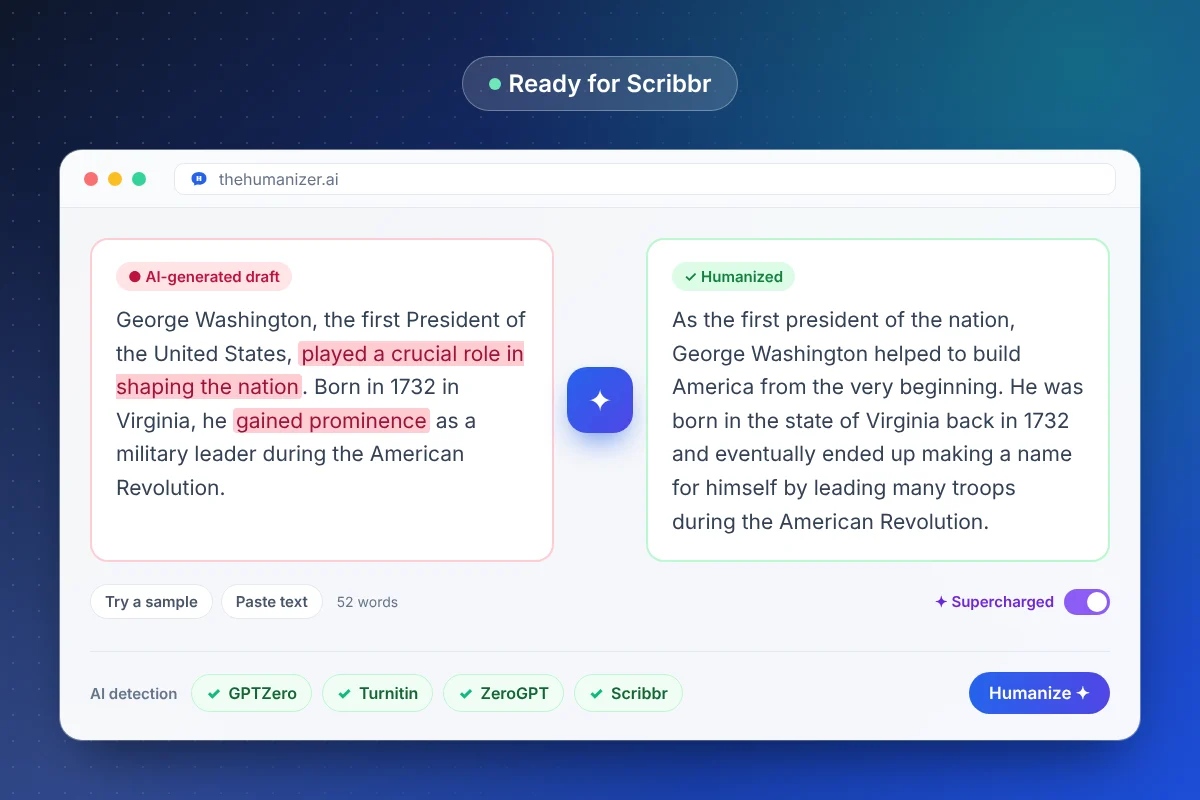
The Humanizer works differently. It rewrites the writing itself:
- Sentence rhythm moves between short and long, the way people write
- Sentence structure changes, so paragraphs stop following one template
- Word choice moves away from the most predictable option
- Meaning, facts, citations, and paragraph count stay the same
More on the difference in our humanizer vs paraphraser guide. In our testing, humanized text scores far more human than raw AI output, but results vary by text, so always run a final check.
How do you humanize text for Scribbr?
- Paste your draft into The Humanizer. Each run takes at least 50 words. Free and Basic handle up to 400 words per run; Pro and Ultimate use Supercharged mode for longer texts in one pass.
- Click Humanize and read the result. Check names, numbers, quotes, and references against your original.
- Add something only you would write: an example from class, an opinion, a specific detail.
- Check it. Paste the result into Scribbr, splitting a long essay into chunks that fit its word limit. For a quick first pass, our free AI detector estimates AI-likeness from writing patterns.
- Re-humanize any section that still scores high, then do one last read.
If one section keeps scoring high, look at its sentence lengths in our sentence length checker. A run of same-length sentences is a common culprit.
Will passing Scribbr mean you pass Turnitin or GPTZero?
Not necessarily. Each detector is trained differently and draws its line in a different place, so the same paragraph can score differently from one tool to the next. Scribbr is a handy self-check, but the detector your instructor or editor uses may be another one entirely.
If you know which tool will read your work, check against that one. Our guides cover Turnitin and GPTZero, and our guide to bypassing AI detection compares the major detectors side by side.
Is it OK to humanize an essay before checking it in Scribbr?
It depends on what you're humanizing and on your school's rules. Polishing a draft you wrote with AI help your course allows, or protecting your own writing from a false flag, is a different thing from submitting work that isn't yours. Follow your syllabus and your school's AI policy, and ask your instructor when the rules aren't clear.
Whatever you do, keep your notes, outlines, and version history. If a score is ever questioned, that history is your best evidence. Our guide on what to do if you're falsely accused of using AI walks through the process, and are AI humanizers allowed? explains how academic policies usually treat these tools.