What is Sapling's AI detector?
Sapling (Sapling Intelligence) builds language tools for businesses and developers: grammar checking, autocomplete, rephrasing, and AI detection, available on its site and through an API. Sapling says its detector was developed by former researchers from Berkeley, Stanford, Meta, and Google.
Here's what Sapling's own page says you get:
- Free: no account needed, up to 5,000 characters per check
- Pro and Enterprise: up to 100,000 characters per check
- Uploads: PDF and Word files, as long as the text is selectable
- Extras: a browser extension and an API for developers
If you're comparing it with checkers built for publishers and content teams, see our guides to Originality.ai and Copyleaks.
How does Sapling score your text?
Sapling gives you two readings. The top of the report shows an overall score and highlights the parts of your text that look AI-generated. Below that, each sentence gets its own score on the same scale.
That second view is why partial fixes don't work well here. Sapling points out that a text which is only partly AI can have a low overall score while some of its sentences still score high. Rewrite three paragraphs, leave the fourth as it came from ChatGPT, and the sentence view will show exactly where.
Length matters too. Sapling says its detector becomes much more accurate after about 50 words, so very short passages give shaky readings either way. The signals underneath are the usual ones, predictable word choice and uniform sentences, explained in our guide to perplexity and burstiness.
Why does Sapling flag human writing?
Sapling is unusually direct about this. Its page says false positives and false negatives will occur, that shorter, more general, essay-like text is more likely to be a false positive, and that a detector shouldn't be the only basis for deciding whether someone used AI.
In practice, the writing that gets flagged by mistake is the writing that's most regular: formal reports, short answers to a set prompt, and text by people working in their second language. If that's you, read why AI detectors have false positives and our guide for ESL writers. If your own work has been questioned, how to prove you didn't use AI covers the evidence that helps.
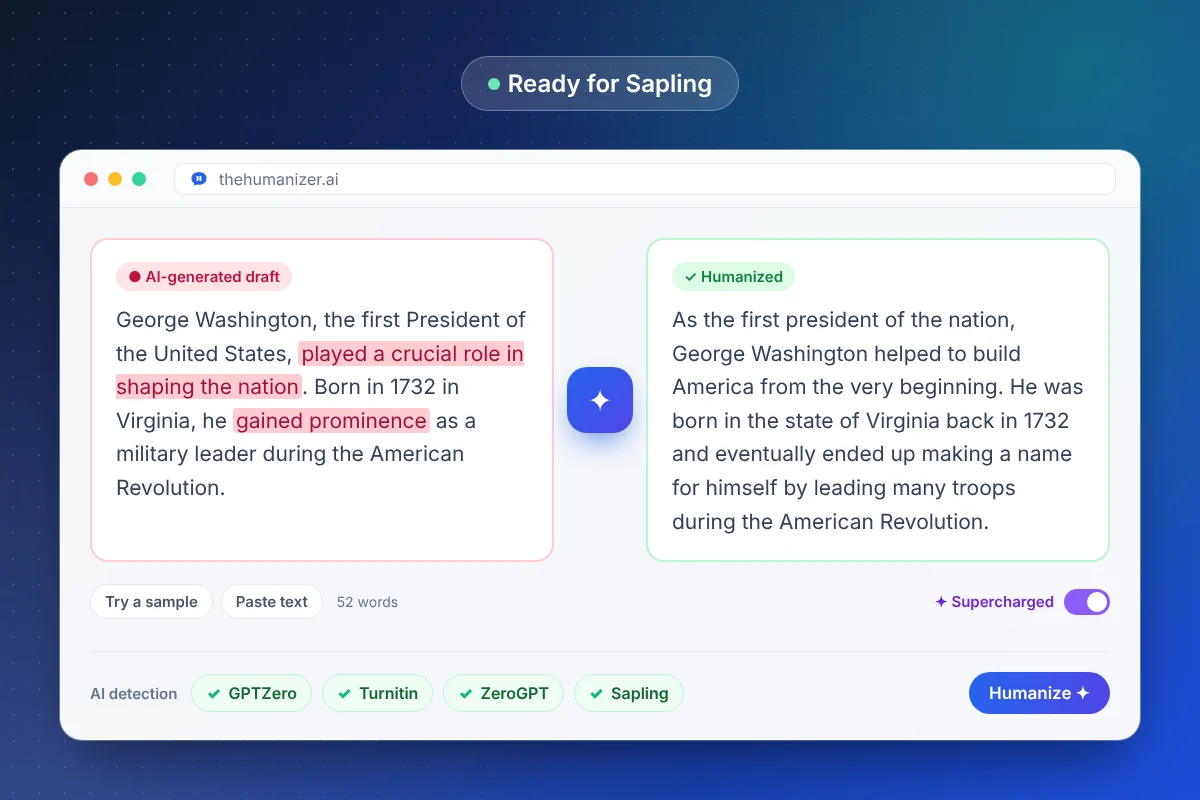
How do you humanize text for Sapling?
- Clean up the draft. Remove leftover headings, bold labels, and hidden characters. Our ChatGPT text cleaner strips em dashes, hidden characters, and markdown in one click.
- Humanize the whole text, not just the parts you think look AI. Free and Basic take 50 to 400 words per run; Pro and Ultimate can use Supercharged mode for longer texts.
- Read the output and add a detail of your own: a figure, an example, a line of opinion.
- Check the sentence view in Sapling. If a sentence still lights up, re-humanize the paragraph it sits in (each run needs at least 50 words).
- Do a last read to confirm names, numbers, and quotes.
For a quick first pass before Sapling, our free AI detector estimates AI-likeness from writing patterns.
Does Sapling's AI detector work in other languages?
Yes, for a set list. Sapling names English, Spanish, Portuguese, French, German, Italian, Dutch, Japanese, Polish, Chinese, Arabic, Russian, Swedish, Korean, Turkish, and Romanian as supported, and says text in other languages is scored by its English model, which is less reliable.
The Humanizer works in English, Spanish, French, German, Russian, Japanese, Hindi and more, so you can humanize a draft in the language you wrote it in and check it in Sapling afterwards.
Should you check other detectors as well?
If someone else will check your work, yes. Detectors are trained differently, and a clean result in one doesn't always carry over to another. Writers whose clients use Originality.ai should check there. Students should check against whatever their school uses, such as Turnitin or GPTZero. Our guide to bypassing AI detection compares how the major tools work.
A good habit with any detector: save the version you checked and the score it got. If the text changes afterwards (an editor's tweaks, a paragraph added at the last minute), check again, because new sentences bring new patterns.