Why do AI discussion posts stand out?
Put ten AI-written posts in one thread and they start to look alike:
- They restate the prompt before saying anything
- They're tidy and balanced: three paragraphs, two sides, one summary line at the end
- They praise every classmate the same way in replies
- They never mention anything specific, like a page from the reading, a slide from lecture, or a classmate's actual argument
- They're formal where everyone else is writing casually
Our article on whether professors can detect ChatGPT explains how instructors pick up on these patterns, and the AI word checker highlights the vocabulary that gives drafts away.
Do Canvas, Blackboard, and Moodle check discussion posts for AI?
It depends on how your school has set things up. The discussion board is where you post; any AI check comes from a tool the school connects to it, such as Turnitin, or from an instructor pasting a post into a detector. Canvas itself doesn't include an AI writing detector. Turnitin's integrations are mostly built around assignments, though its Moodle plugin can be switched on for forum activities too.
So there's no one answer for every course. Our guide to whether Canvas detects AI goes into detail for Canvas, and our pages on bypassing Turnitin and whether Turnitin can detect ChatGPT explain how Turnitin's AI checks work.
How do you humanize a discussion post?
- Decide your point first. One or two sentences in your own words: what you think and why.
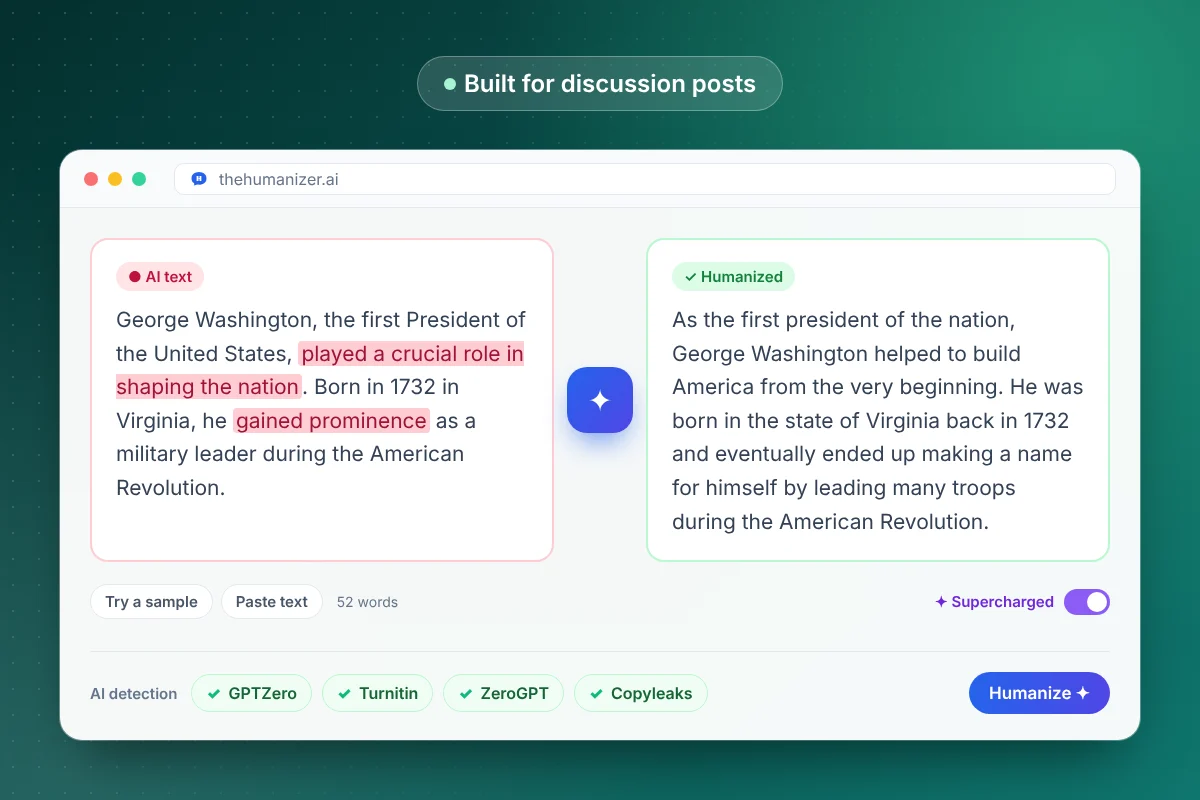
- If you drafted with AI (where your course allows it), paste the draft into The Humanizer. Each run needs at least 50 words, so short replies are usually quicker to rewrite by hand.
- Click Humanize. The output keeps your facts and citations and varies the rhythm.
- Add something specific: a page number, a lecture example, or a classmate's name and the point you're answering.
- Check the length against the prompt with our word counter, then post.
For edits you can make without any tool, see how to humanize AI text manually.
What does a natural discussion reply look like?
Here's the difference in practice:
| Stiff | Natural |
|---|---|
| You raise an excellent point about the role of social media in political polarization. | Maya, I hadn't thought about the algorithm angle. But doesn't the survey in chapter 4 cut the other way? |
| Both perspectives have merit and warrant further consideration. | I'm still on the fence, but the second reading convinced me more. Here's why. |
Natural replies are short, take a position, and point at something real. They ask questions. They disagree politely. Humanizing fixes the rhythm; those habits come from you.
A simple shape works for most replies: name the person and the point you're answering, add your own take or one piece of evidence, then ask a question that keeps the thread going. Three to five sentences is plenty.
Is it OK to use AI for discussion posts?
Check your syllabus. Instructors set very different rules: some ban AI on discussion boards, some allow it for brainstorming, and some allow drafting with disclosure. Discussion posts are usually graded on your own thinking and on how you engage with classmates, so even where AI is allowed, the ideas should be yours. If your instructor allows AI with disclosure, add a short line at the end of the post saying how you used it.
Keep your notes and drafts. If a post is ever questioned, they show your process. Our guide for students covers responsible use, and what to do if you're falsely accused of using AI helps if a flag lands on work you wrote.
Which plan fits weekly discussion posts?
Discussion posts are short, so the numbers stay small. One 250-word post and two 100-word replies a week comes to about 450 words a week, or roughly 1,950 words a month.
| Your load | Plan |
|---|---|
| Trying it on a post or two | Free: 350 words a month |
| Weekly posts in several courses | Basic: 15,000 words a month, $8.99/mo billed yearly |
| Posts plus long essays and papers | Pro: 50,000 words a month with Supercharged mode, $19.99/mo billed yearly |
Compare all plans on the pricing page.