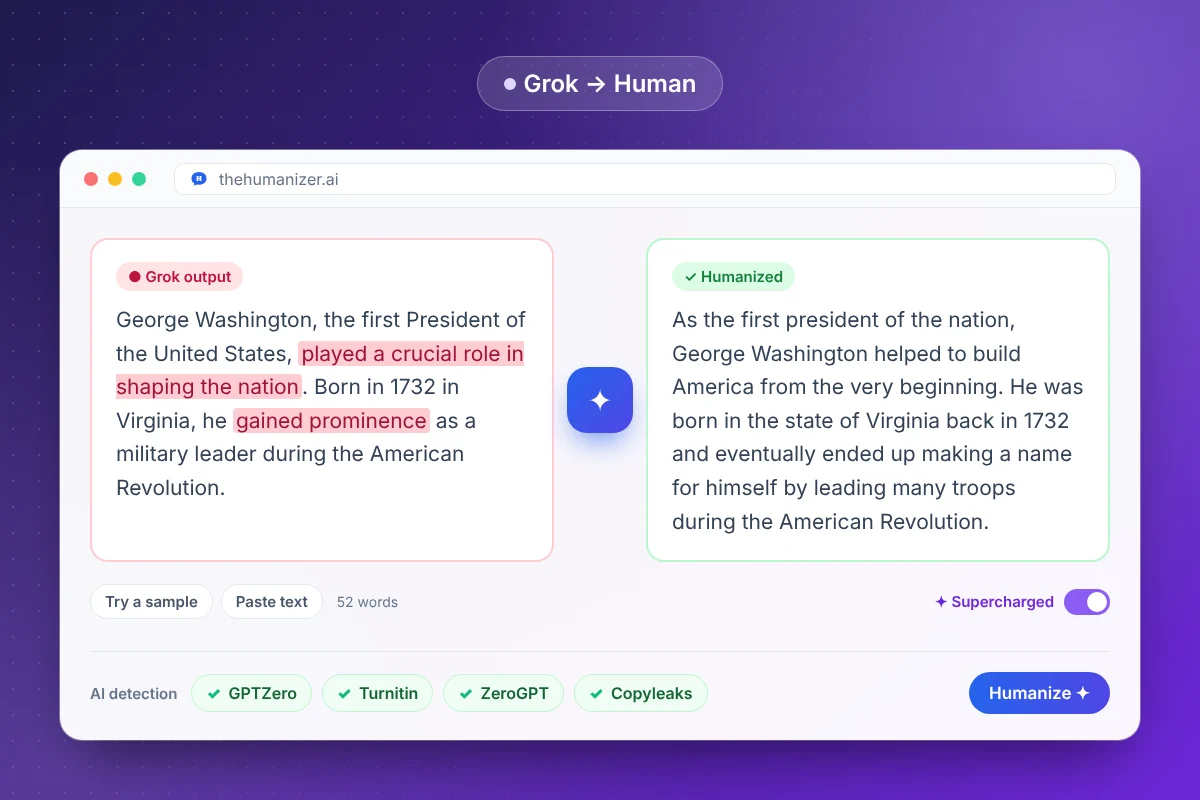
What is Grok?
Grok is xAI's AI assistant. You can use it at grok.com, in its iOS and Android apps, and inside X, where it first launched for paying subscribers in late 2023.
Its best-known feature is live information. Grok can search public posts on X and run real-time web searches when it answers, so its drafts often refer to recent events, posts, or reactions. That's useful for research and a risk for accuracy, which we come back to below.
Grok also writes long-form text on request, from essays and blog posts to summaries of a news story. Those longer drafts are the ones most likely to end up in front of a detector, and they're what this page is about.
If you also use other assistants, our guides to ChatGPT text and Claude text cover their habits.
What does Grok's writing sound like?
In our experience, Grok drafts tend to have:
- A confident, conversational opener that jumps straight to an opinion
- Asides and jokes, especially on casual prompts
- Bold headers and bullet lists in longer answers
- References to posts on X or to what people are saying online
- A punchy one-line closer that sums up the answer
Underneath, the sentences are still evenly sized and the transitions are stock, and that's what detectors measure. The jokes don't hide it. Our AI word checker highlights the vocabulary, and our ChatGPT text cleaner strips markdown, hidden characters, and em dashes from any chatbot's output.
Can AI detectors detect Grok?
Generally, yes. Detectors don't need to have seen a specific model to flag it, because the signals they measure (low perplexity and low burstiness) are shared across large language models. Our guide to perplexity and burstiness explains both.
So raw Grok output can be flagged by GPTZero, Turnitin, and similar tools, just like text from other models. Our article on whether Turnitin can detect Claude and Gemini walks through the same logic, and our guide to bypassing AI detection compares the major detectors.
How do you humanize Grok output?
- Fact-check first. Confirm anything drawn from X posts or the web against a reliable source.
- Trim the extras: headers, bold labels, jokes, and closers you don't want in the final text.
- Paste it into The Humanizer (at least 50 words). Free and Basic take up to 400 words per run; Pro and Ultimate use Supercharged mode for longer pieces.
- Click Humanize and read the result. Check names, dates, and figures.
- Check it with our free AI detector, which estimates AI-likeness from writing patterns, or in the detector your school or client uses. Re-humanize anything borderline.
Using Grok for coursework? Follow your course's AI policy first. Humanizing changes how text reads, not what your instructor allows, and our guide for students covers responsible use.
Why should you fact-check Grok before humanizing?
Because The Humanizer keeps facts exactly as they are. That's what you want when the facts are right. When they're wrong, a wrong claim comes out sounding more natural and more convincing.
Grok's access to live posts makes this matter more than usual. Posts on X can be early, unverified, or simply wrong, and a summary of them inherits the problem. Before you humanize anything for a blog, report, or assignment, check claims against the original source and add real citations where they're needed. Our guide for bloggers covers this for published content, and our page on humanizing research papers covers citations.
Does The Humanizer treat Grok differently from other models?
No. It works the same way on text from any AI model, because the patterns it rewrites are shared.
What changes from model to model is the cleanup before you humanize. With Grok, that usually means cutting the asides and the closing one-liner, removing references to posts you can't cite, and checking any claim about recent events. With ChatGPT it's stock transitions; with Copilot, footnote markers. After that, the rewrite is the same.
If you switch between assistants, we have guides for Gemini, DeepSeek, and Microsoft Copilot.