Why do AI emails sound robotic?
Whether it came from ChatGPT, Gemini in Gmail or Copilot in Outlook, an AI email tends to follow the same script:
- A stock opener that could go to anyone, before the email says anything
- A recap of the reader's own message before any answer
- Paired adjectives and three-part lists ("clear, concise and actionable")
- Paragraphs of the same length, with the ask buried in the middle
- A closing offer to help with anything else, then a formal sign-off
- Bold headings, bullets or em dashes carried over from the chat window
Our AI word checker flags the stock phrases, and the ChatGPT text cleaner removes markdown, hidden characters and em dashes before you paste a draft into your inbox.
How do you humanize Gmail and Outlook AI drafts?
AI drafting now sits inside the inbox. Gmail's Help me write uses Gemini to draft and refine emails, and Outlook has Draft with Copilot. Both are fast, and both tend toward the same polished, even tone.
To humanize one of these drafts, copy the body out, paste it into The Humanizer, and paste the result back as plain text so your formatting and signature stay as they were. Google's own help page warns that "Gemini features may suggest inaccurate or inappropriate information," so check every fact either way. For each assistant's habits, see our guides to Gemini text and Copilot text.
How do you humanize an AI email?
- Give the AI real context: the thread, what you want, and one fact about the person you're writing to.
- Copy only the body you're sending, without the quoted thread or your signature.
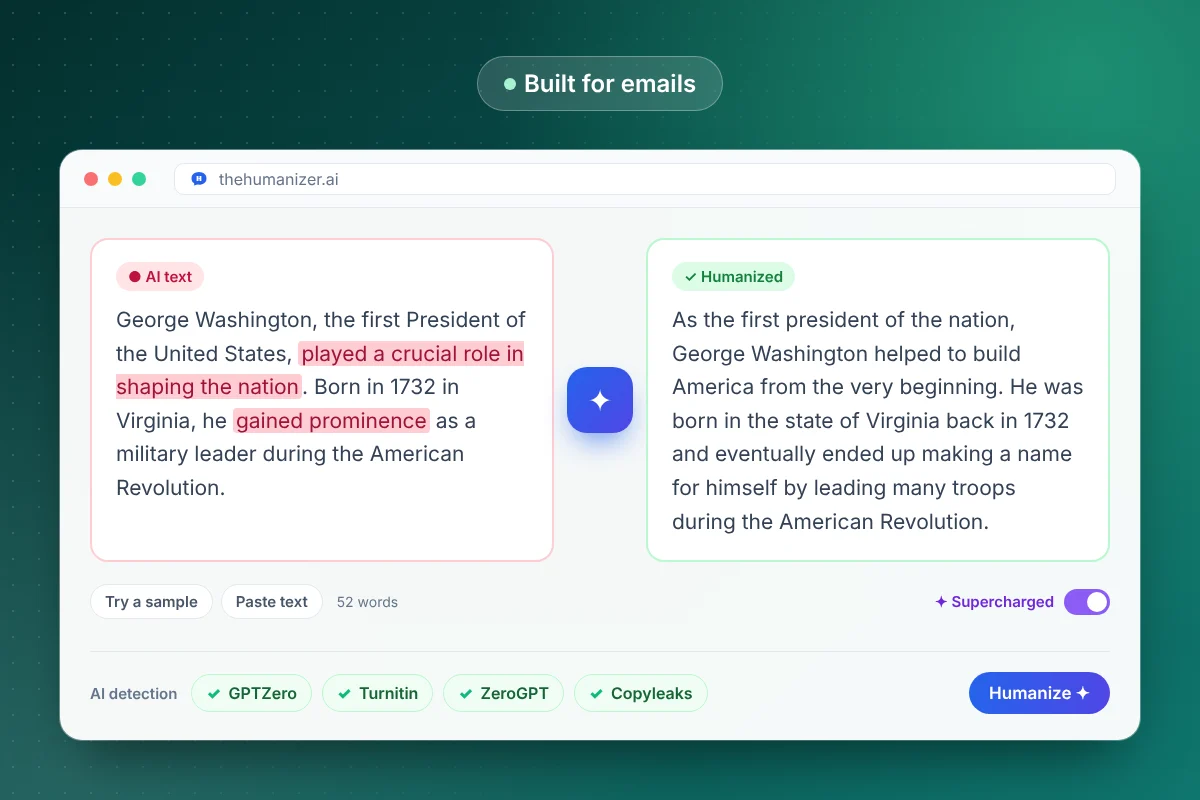
- Paste it into The Humanizer and click Humanize. Each run needs at least 50 words. Free and Basic take up to 400 words per run, which is plenty for a long email, and Pro and Ultimate handle longer texts with Supercharged mode.
- Rewrite the subject line and first sentence yourself. They're what the reader sees first.
- Check names, dates, prices and links against the original.
Emails under 50 words are faster to fix by hand: cut the opener, state the point, sign off. If ChatGPT wrote the draft, our guide to humanizing ChatGPT text covers its usual habits.
How do you make a cold email sound human?
A cold email has a few seconds to show it wasn't sent to a list. Specifics do that. Compare:
| AI-sounding line | More human version |
|---|---|
| I hope you're doing well and having a great week. | Saw your team opened a Denver office last month. Congrats on the move. |
| I'm reaching out to discuss a potential partnership opportunity. | We help dental clinics cut no-shows with text reminders. |
| Our solution can help drive results for your business. | One clinic we work with went from 30 missed appointments a month to 12. |
| Please let me know if you have any questions. | Worth a 15-minute call on Thursday? |
The examples are made up, but each human line does one job: it shows you looked, says what you do, gives proof or asks for one clear thing. Keep it short, keep to one ask, and make sure every claim is true. The Humanizer fixes the rhythm. If outreach is part of your job, our guide for marketers covers keeping a consistent voice across campaigns.
How do you humanize follow-ups and customer replies?
Follow-ups: AI loves "Just following up on my previous email." Give the reader something new instead: an answer to a question they raised, a short example or a simpler ask. If you have nothing to add, a one-line nudge you write yourself beats a polished AI paragraph.
Customer replies: put the answer first. One plain sentence of empathy ("Sorry, that's frustrating") reads better than three formal apologies. Keep policy details, order numbers and dates exact, and check them after humanizing. To keep replies easy for every customer to follow, run them through the readability checker.
Applying for a job? See humanizing an AI cover letter. The same rules apply to the email you send with it.
Is it OK to use AI to write emails?
Generally, yes. Plenty of email is routine, and an AI draft saves time. You're still the sender, though, so you're responsible for every claim, promise and number in it. If your employer has an AI policy, follow it, and don't paste confidential details into tools your company hasn't approved.
If English isn't your first language, a humanizer can help your emails read fluently without changing what you mean. Our page for ESL writers covers that. Writing for LinkedIn too? See humanizing LinkedIn posts.