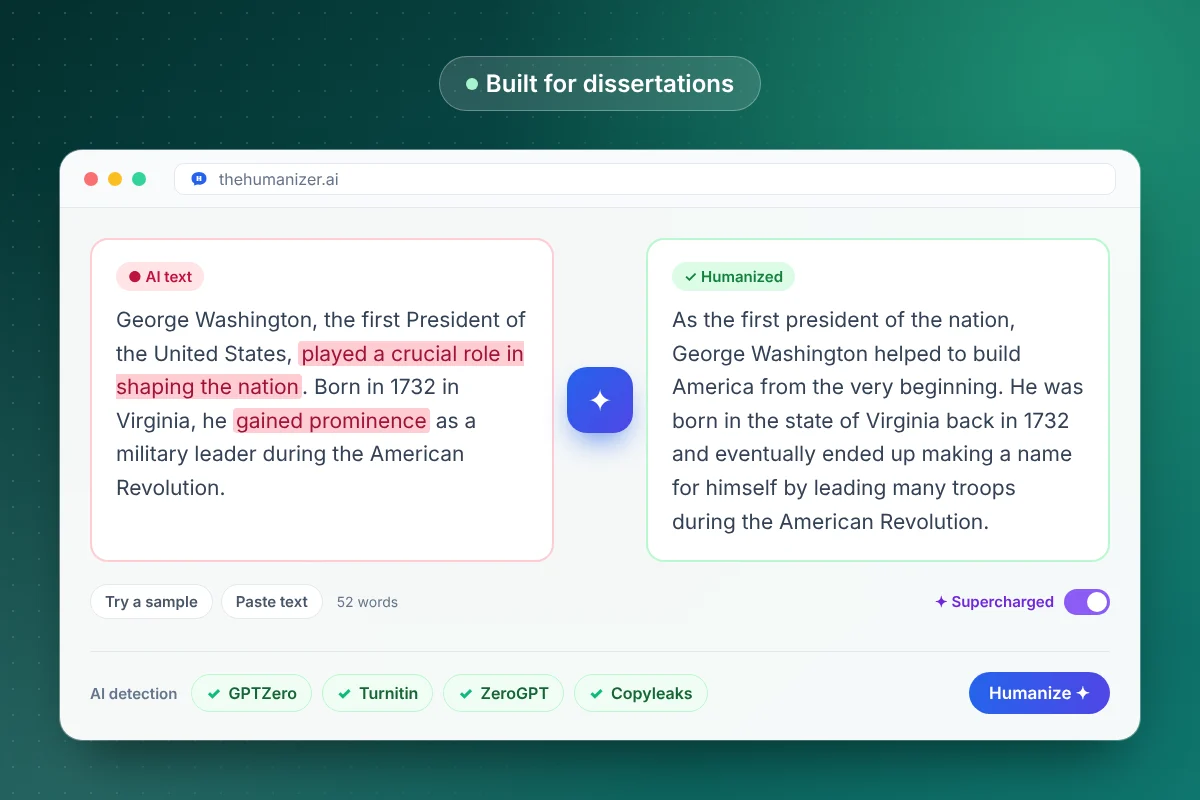
Can you use AI on a dissertation?
Only on your institution's terms. AI rules differ between universities, departments and even supervisors. A policy might allow AI for brainstorming or language editing but not in assessed writing, or ask you to declare every tool.
Before you humanize anything:
- Read your university's AI policy and your program's dissertation handbook.
- Ask your supervisor what they consider acceptable, and get the answer in writing if you can.
- Disclose AI use where it's required. Humanizing a chapter doesn't change what you need to declare.
The Humanizer is for polishing AI-assisted drafts you're allowed to use, protecting your own writing from false flags and helping non-native writers. It isn't a way around your rules. Our explainer on whether AI humanizers are allowed covers how policies usually treat them.
How do you humanize a dissertation chapter by chapter?
- Save a copy of every draft first, including the AI-assisted version and your notes.
- Set aside what shouldn't be rewritten: direct quotes, equations, tables, code, interview excerpts and your reference list.
- Paste one section of prose at a time (50 words minimum). On Pro and Ultimate, Supercharged mode takes up to 25 paragraphs per run. Split bigger chapters at a heading.
- Click Humanize, then compare. Paste the original and the result into text compare and reread every changed claim.
- Check your hedging. "Suggests" and "demonstrates" mean different things. Each claim should be as cautious as your evidence.
- Proofread the final version yourself, punctuation included, before it goes to your supervisor.
Our guide to humanizing a research paper covers each section in turn.
Why use Supercharged mode for a long thesis?
Because seams show in long documents. On Basic, each run takes 50 to 400 words, so a 6,000-word chapter means 15 or more separate runs. Each is rewritten on its own, so the voice can drift and transitions stop connecting.
Supercharged mode on Pro and Ultimate has no per-run word limit. It humanizes up to 25 paragraphs in one pass with a consistent voice. See humanizing long texts with no per-run word limit for how it works.
Monthly allowances still apply:
| Plan | Words per month | Per run | Billed yearly |
|---|---|---|---|
| Basic | 15,000 | 50 to 400 words | $8.99/mo |
| Pro | 50,000 | No per-run limit, up to 25 paragraphs | $19.99/mo |
| Ultimate | 150,000 | No per-run limit, up to 25 paragraphs | $39.99/mo |
A 15,000-word dissertation fits inside one month of Pro. A long doctoral thesis may suit Ultimate, or you can spread it over a few months on Pro and cancel anytime.
Will humanizing keep my citations, and are they real?
The Humanizer keeps in-text citations, technical terms, facts and paragraph count. It can't tell you whether a citation is real, though, and that's the bigger risk.
AI models invent references that look convincing. In a 2023 study in Scientific Reports, Walters and Wilder asked ChatGPT to write short literature reviews and found that 55% of the GPT-3.5 citations and 18% of the GPT-4 citations were fabricated. Models have changed since then, but one invented source in a dissertation is one too many.
For every reference:
- Find the source itself, not a summary, and confirm the author, year and title.
- Check it says what your sentence claims. A real paper cited for a point it doesn't make is still a problem.
- Match page numbers for direct quotes.
Keep your reference list out of the humanizer entirely.
Will a humanized dissertation pass Turnitin?
The Humanizer is designed to pass AI detectors, but results vary by text, and no tool should be used to hide AI use your university doesn't allow. Since August 2025, Turnitin has had AI bypasser detection aimed at text modified by humanizer tools (in English). Our explainer on whether Turnitin can detect AI humanizers covers what that means.
Detectors flag human writing too. Formal academic prose, repeated technical terms and careful second-language English all look predictable. For a quick first read before you submit, try our free AI detector.
How do you show the dissertation is your own work?
Keep a trail. If your work is ever questioned, drafts beat arguments:
- Version history in Google Docs or Word, or dated files for each chapter
- Notes, outlines and annotated readings that show how your ideas developed
- Supervisor feedback and the changes you made in response
- A record of any AI use: which tool, which sections, and what you asked it to do
Know your argument well enough to explain it without notes. Examiners may ask why you chose a method, and no rewrite answers that for you. Our guide on how to prove you didn't use AI covers the evidence that helps most, and our page for students covers responsible use.