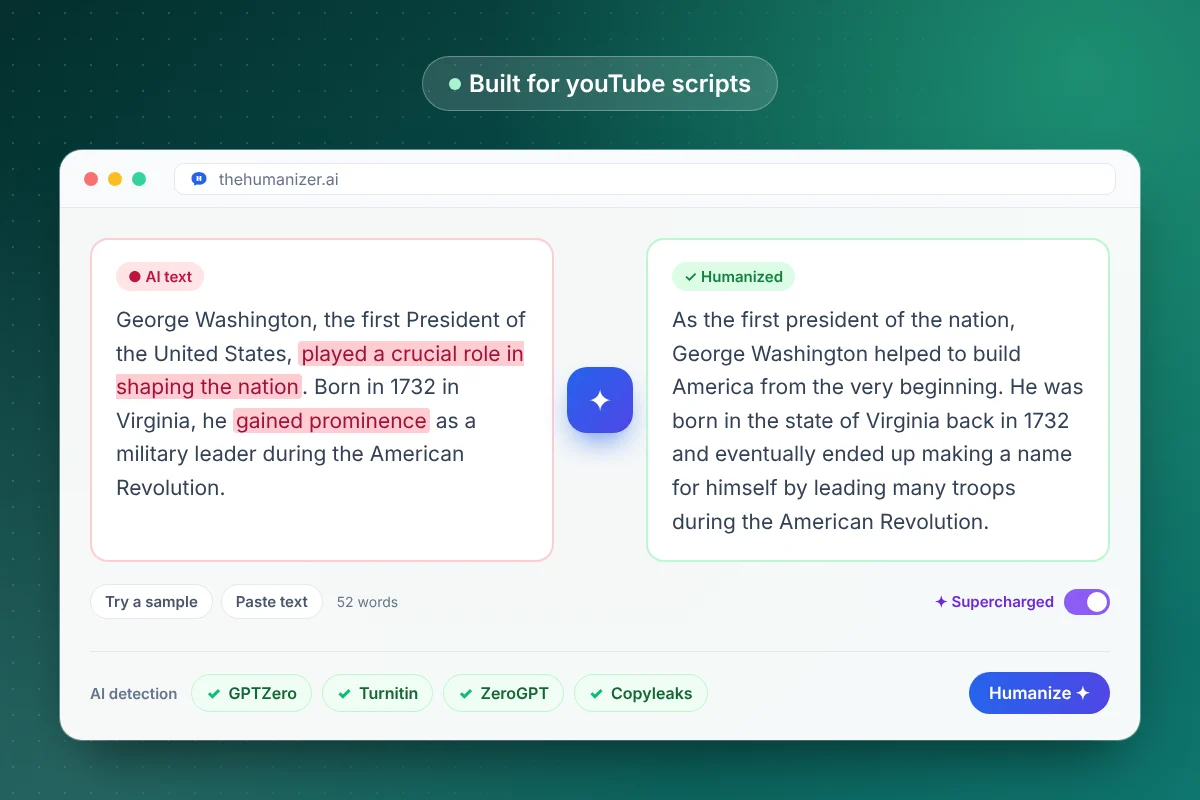
Why do AI scripts sound robotic when you read them aloud?
Because they're written for reading. A typical AI script has:
- Long sentences with stacked clauses that leave you out of breath
- Written transitions like "In addition" or "As mentioned above" that nobody says out loud
- No contractions: "it is", "you will", "do not"
- A slow open ("In this video, we will explore...") before anything happens
- Even rhythm, every sentence about the same length, so your delivery goes flat
- Lists of three where one strong example would do
Our sentence length checker shows flat stretches, and the AI word checker flags vocabulary that sounds written, not spoken.
How do you humanize a YouTube script?
- Give the AI your angle, not just a topic: what you think, what you tested, what surprised you. Our ChatGPT prompt generator helps you build a prompt around it.
- Strip cues and timestamps and paste the spoken lines only. Each run needs at least 50 words.
- Click Humanize. Free and Basic take up to 400 words per run. Pro and Ultimate use Supercharged mode, with no per-run word limit, to humanize up to 25 paragraphs in one pass, in one consistent voice.
- Edit for speech (next section), then add your B-roll notes and cues back.
- Read it aloud, on camera if you can.
Check length with our word counter, which estimates speaking time at 130 words per minute. At that pace a 10-minute video is about 1,300 words, well past the 400-word runs on Free and Basic, so long scripts go in sections there.
How do you write for speaking instead of reading?
A few edits do most of the work:
- Shorter sentences. One idea each. If a line needs a breath in the middle, split it.
- Contractions. "You'll", "it's" and "don't" sound like a person. Spelled-out forms sound like a press release.
- Plain words. Say "buy", not "purchase". Say "about", not "approximately".
- Repetition on purpose. Readers can scroll back, viewers can't. Restate the key point once before you move on.
- Spoken signposts: "Here's the catch." "So what does that mean?" "Okay, step two."
- Room to breathe. Put each beat on its own line so you can see where to pause.
Then read the whole script aloud at your normal pace. Anything you trip over twice gets rewritten.
How do you write a hook that doesn't sound like AI?
Start the video in the first line. AI hooks tend to announce the video instead. Compare:
| AI-sounding line | More natural spoken version |
|---|---|
| In today's video, we're going to take a look at the best budget microphones. | I bought five microphones under $100. Only one is staying on my desk. |
| Have you ever wondered why your sourdough doesn't rise? | Your sourdough isn't flat because of your flour. It's your starter. Let me show you. |
| Before we begin, make sure to like and subscribe! | (Cut it, or move it after you've given viewers something.) |
| Let's get started with this complete guide to budgeting. | Last year I tracked every coffee I bought. Here's what it cost me. |
The examples are made up, but the pattern holds: a specific claim, a stake or a result, said the way you'd say it to a friend. Write the hook yourself after humanizing.
What does YouTube say about AI-written scripts?
YouTube's AI disclosure rules focus on what viewers see and hear, not on who drafted the words. Its help page on disclosing AI-generated content lists "Production assistance, like using generative AI tools to create or improve a video outline, script, thumbnail, title, or infographic" among the things creators don't need to disclose. Disclosure is required for realistic content that's generated or meaningfully altered with AI, such as a realistic scene that never happened.
Monetization is a separate question. On July 15, 2025, YouTube renamed its "repetitious content" policy to "inauthentic content" to clarify that it covers repetitive or mass-produced content. Its examples of what can't be monetized include "AI-generated content made with generic or unoriginal templates giving the impression of mass production without adding the creator's original, authentic insights or perspective." The same page gives "using AI to edit your video scripts" as an example of what's allowed. So use AI as a tool, and make sure every video carries your own angle.
Does humanizing help with Shorts and video descriptions?
Mostly, with a few adjustments:
- Shorts: a Short's script may fall under the 50-word minimum per run. Fix those by hand: a one-line hook, one point, one payoff.
- Voiceovers: the same rules apply, and they matter more without your face on screen.
- Video descriptions: humanize the opening lines, then keep timestamps, links and credits exactly as they are.
- Repurposing: turning a script into a written post? Our guides to humanizing LinkedIn posts and for bloggers cover how written versions differ.
If you write scripts for clients, our page for writers covers keeping each client's voice consistent.